Make images, videos & audioin Claude with  Editing Karo
Connect once, then ask in plain words. Made with your Editing Karo credits, played right in the chat, saved to Vision Studio.
Real results. One click to Claude.
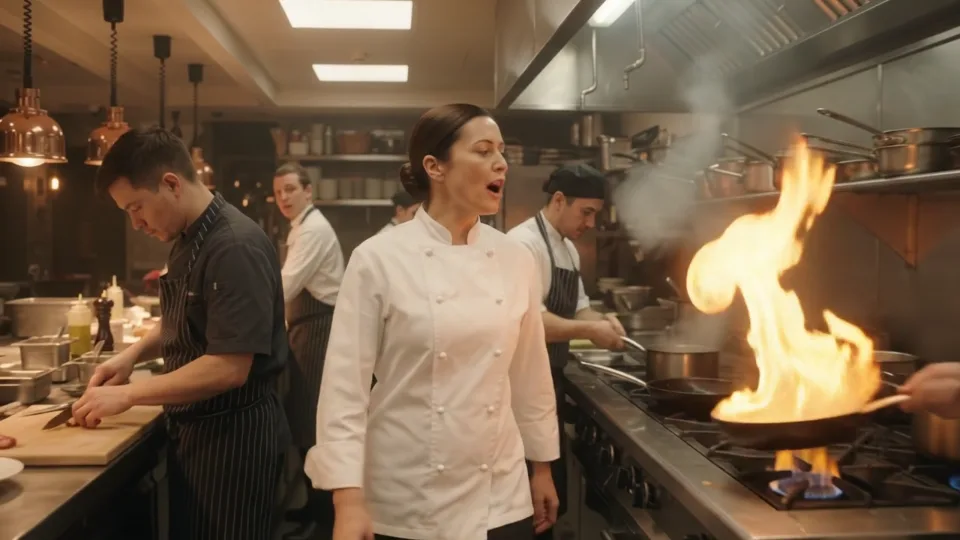
Generate a video
@Editing Karo A single continuous steadicam shot following a head chef in whites through a roaring restaurant kitchen at full service. Flames burst from pans, cooks shout "Yes chef!", plates slide onto the pass, and she tastes a sauce, nods and wipes the plate rim. Warm tungsten light, fast but smooth, photorealistic, 16:9. Sound: sizzling, clattering, shouting.


Claude
You ask in plain words
Editing Karo
MCP connector
Image
Video
Audio
What's possible with Editing Karo MCP
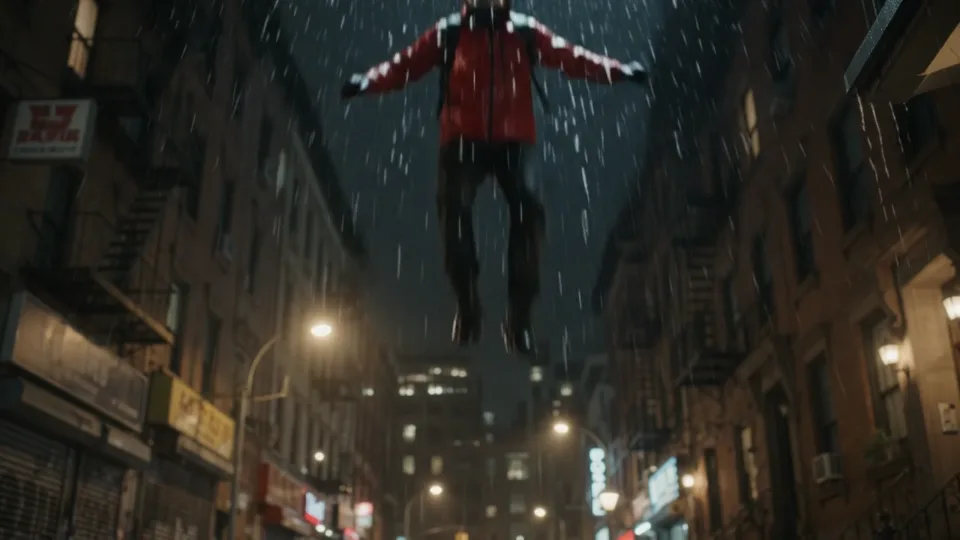
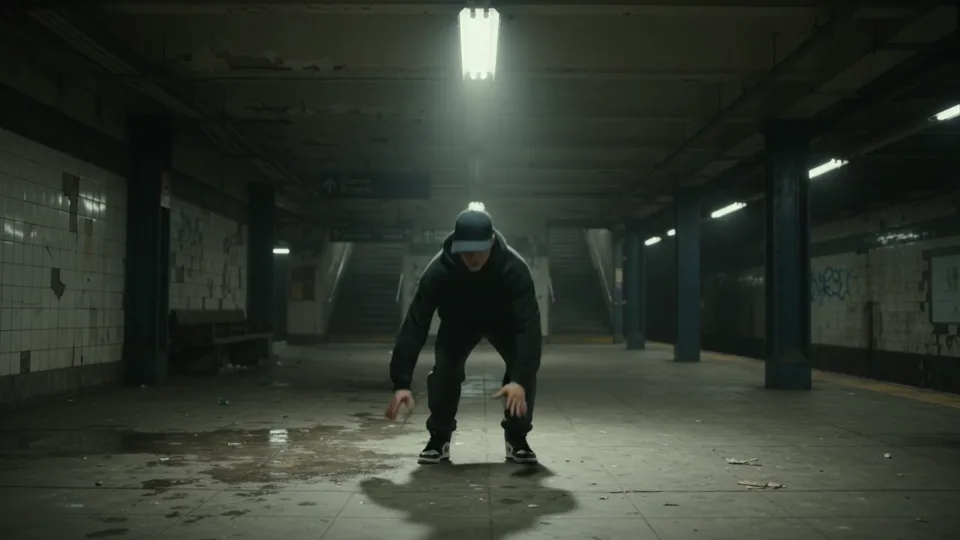
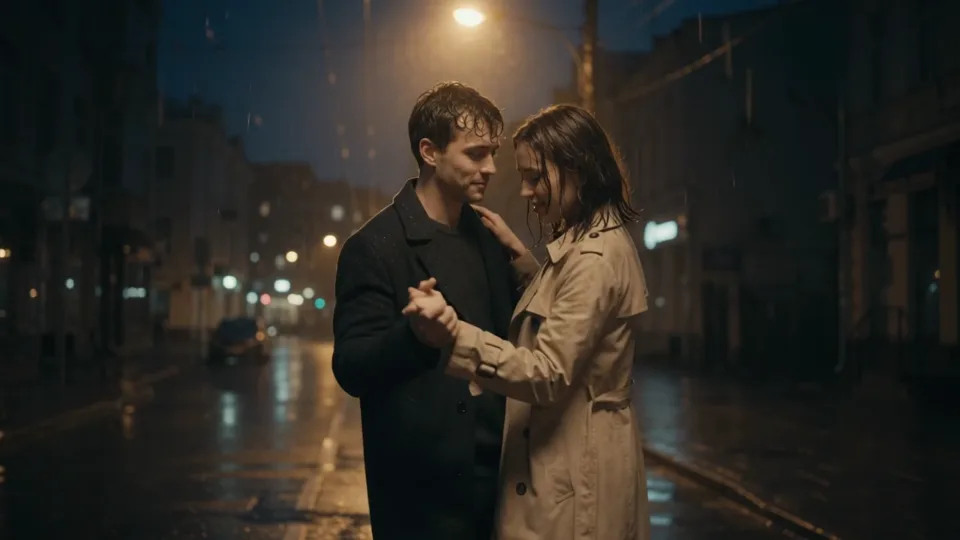
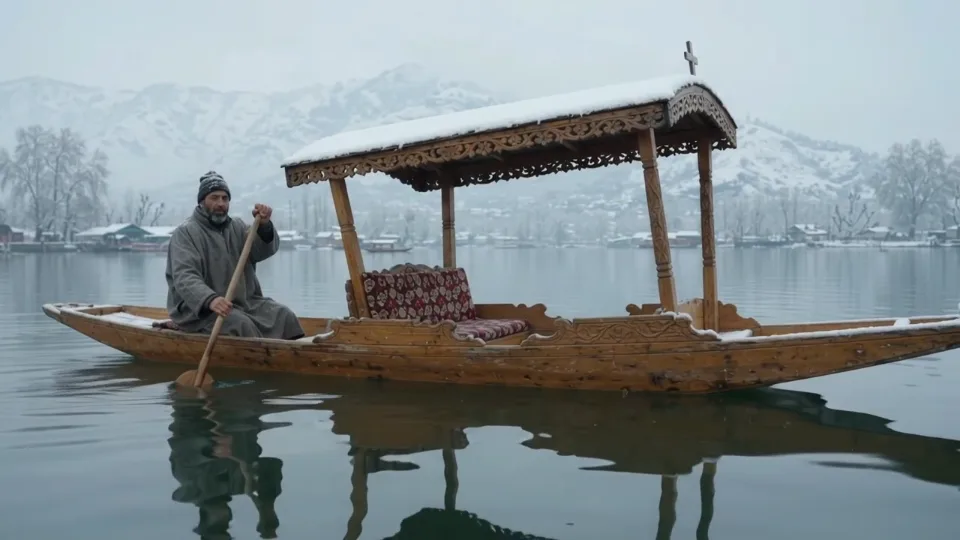
Make cinematic videos from a chat
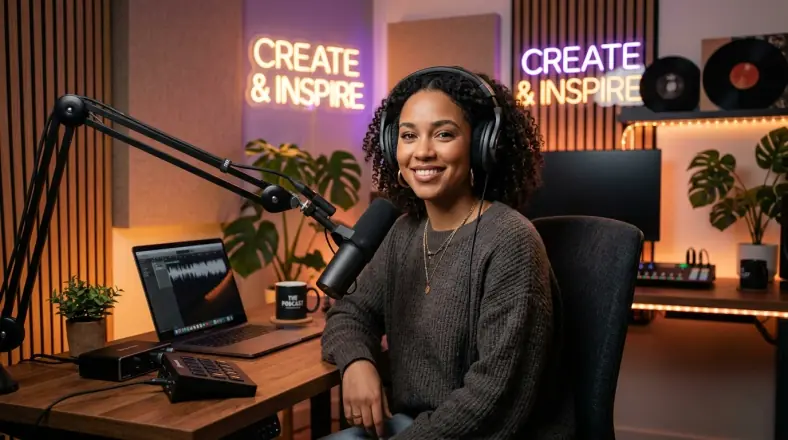
Design YouTube thumbnails

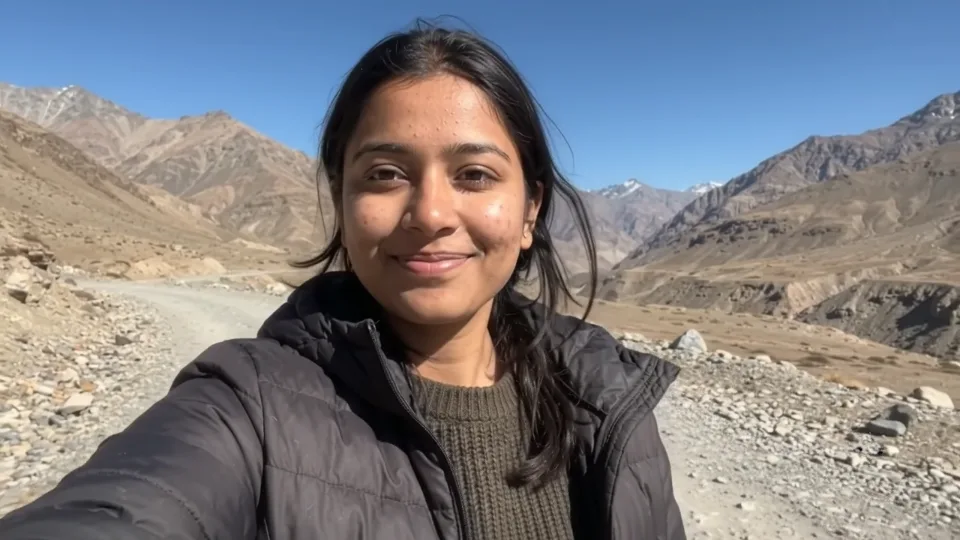
Turn your photo into a moving shot

Hindi voiceovers for your reels

Ad shots for cars and products
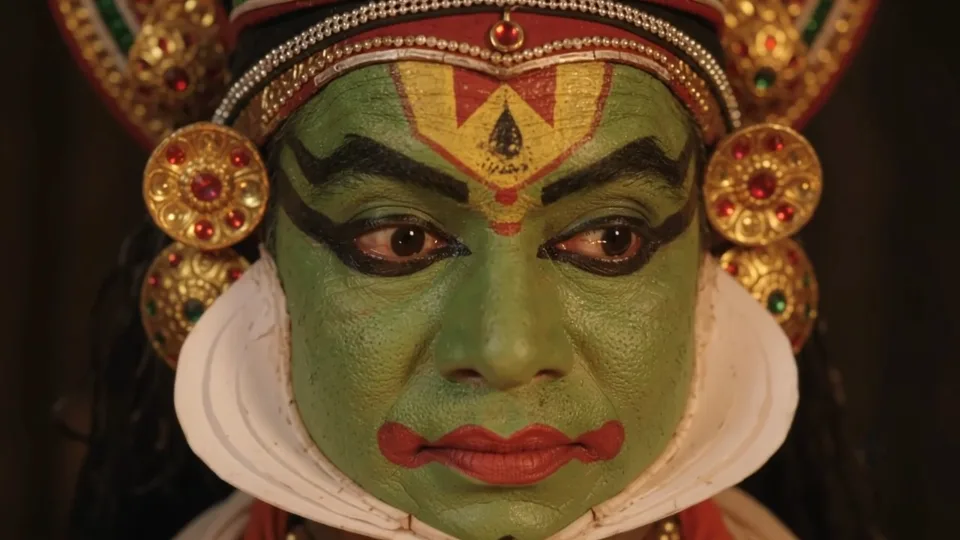
Film festival and culture scenes
Add it to Claude once
You need an Editing Karo account on a paid plan. Nothing to install.
Works the same on Claude web and the desktop app.
- 1
Open Claude's connectors
In Claude Desktop or on claude.ai, go to Customize → Connectors, press + and choose Add custom connector. - 2
Paste the Editing Karo address
Name it Editing Karo and paste this address, or let us fill it in for you:Add in Claude - 3
Sign in and allow access
Press Connect, sign in to Editing Karo and allow Claude in. Using 2-step verification? Approve it once in Account settings → Connected apps. - 4
Ask for something
Switch Editing Karo on in the tools menu, then ask: “Make a 9:16 video of a chai stall in the rain.”
Just say what you want
Claude picks the right tool, asks which model you'd like, and checks the cost with you. Tap a prompt to copy it.
Included with every paid plan
Starter, Creator, Pro and Studio can all use Editing Karo from Claude. Generations use your plan's monthly credits, or credits you top up.
Questions, answered
Anything else? Write to support@editingkaro.com, or read the guide in our docs.
It lets Claude make AI images, videos, voiceovers, music and sound effects with your Editing Karo account. You ask in plain words, Claude asks which model to use, and the result shows up in the chat and in Vision Studio.
Any paid plan: Starter, Creator, Pro or Studio. The Free plan can't use the connector; Claude will say so and link to the plans page.
No. Each generation uses your Editing Karo credits at the same price as in Vision Studio. Claude can tell you the cost before it starts, and you can check your balance from the chat.
Every image, video and audio model in Vision Studio, including Veo, Kling, Seedance, Nano Banana, GPT Image and ElevenLabs. If you don't name one, Claude lists them with their prices and asks which you want.
Into Vision Studio, in a project called "From Claude". From there you can download them or use them in Pixel Studio and Motion Studio.
Yes, in all four studios. Claude can list your Pixel Studio designs, Motion Studio video edits, Vision Studio projects and Content Studio writing, tell you what's inside one, and show your past AI images, videos and audio. It only looks; it doesn't change or delete anything.
Yes. Ask Claude for an upload link, open it, pick your photo, and tell Claude it's done. The photo is also kept in your Uploads.
Usually one to five minutes, depending on the model and length. The player in the chat shows a timer and starts playing on its own when the video is ready.
Claude's sign-in screen doesn't ask for your 2-step code, so each new connection waits until you approve it on your Account page. Claude gives you the link.
Open Account settings, then Connected apps, and press Disconnect. You can reconnect from the same place, or remove the connector in Claude's settings.
Your prompts and the links to what was made. Your password, payment details and other projects are never shared. See our privacy policy for details.