EditingKaro
PixelVisionMotionContentPricingFAQFree toolsBlog
Vision StudioAI image, video and audio generator

One AI generator.
Images, video and voice.

Vision Studio is an AI generator for images, video clips, voices, music and sound effects, from one prompt box. Pick a model, a style and a shape, see what it will cost, and send the result straight into a design or a video.

See pricing
  • All four studios, one login
  • Works in your browser
  • Cancel any time
vision / image deskDownload
ImageVideoCinemaAudio

Prompt

A neon-lit street market at night, rain on the pavement, cinematic wide shot

Style

CinematicRealisticAnime3DWatercolour

Ratio

1:14:516:99:16

Cost shown before you run it

Generate
Generating
// 01
Photo → video
animate any still image
// 02
4 desks
Image, Video, Cinema and Audio
// 03
Up front
the cost of each generation
// 04
5,000
credits a month on the top plan
Features

One AI generator, four desks,
one prompt box.

01

Image desk

Turn a sentence, or a reference photo, into an image. Choose a style — realistic, anime, cinematic, 3D, watercolour and more — and a shape.

02

Video desk

Turn a prompt or a finished still into a moving clip, with sound.

03

Cinema desk

Direct the shot like a film crew: pick the film style, the camera move, the colour palette and the lighting.

04

Audio desk

Voiceovers from text in a choice of voices and languages, plus music and sound effects from a description.

05

No surprise costs

Every generation shows its credit cost before you run it. Credits refill monthly, and you can top up any time.

06

Straight into your edit

Send what you generate straight into a Pixel Studio design or a Motion Studio video.
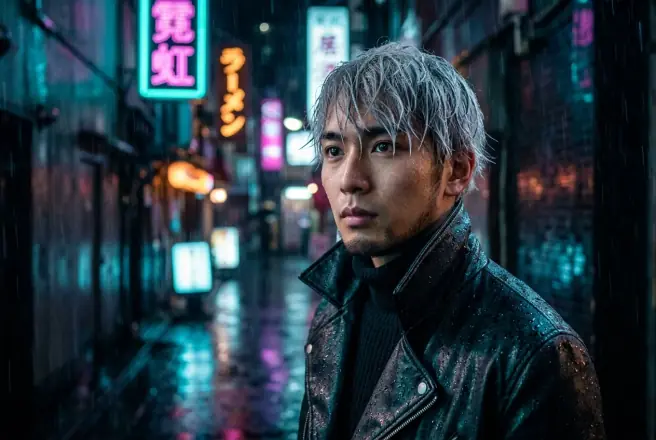
Vision Studio features

All features
  • Cinematic futuristic AI image generation
    Vision Studio
    Text to Image

    AI generation

    AI Image Generator

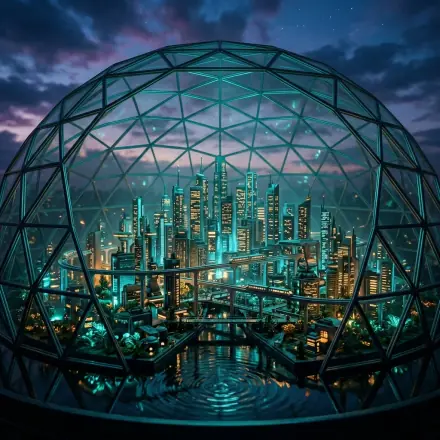
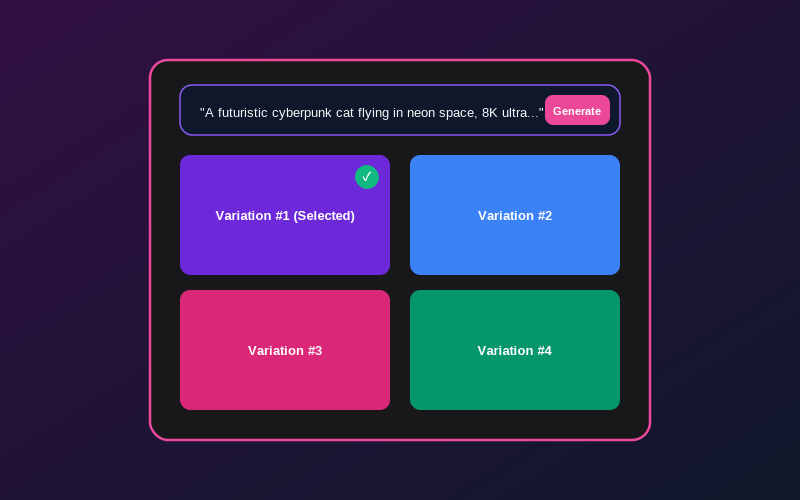
    Describe an image and generate it with top models like Nano Banana Pro and GPT Image. Cost shown first.
    visionTry now
  • AI text to video cinematic generator
    Vision Studio
    Prompt to Video

    AI generation

    Text to Video AI

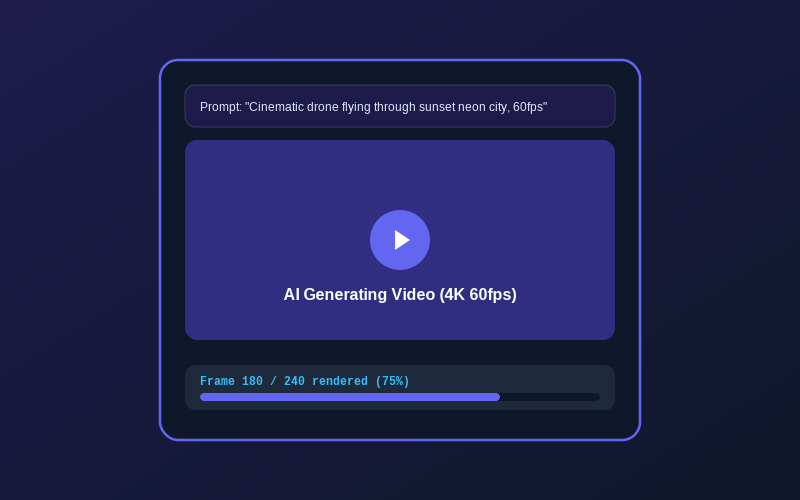
    Describe a scene and get an AI video clip from models like Veo 3.1, Kling and Seedance, with sound.
    visionTry now
  • Still photo animated into moving video clip
    Vision Studio
    Photo Motion

    AI generation

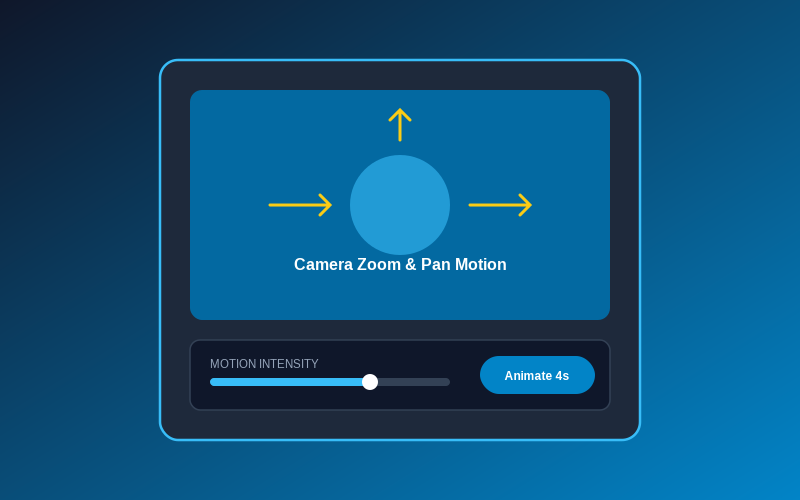
    Image to Video AI

    Animate any photo into a video clip with AI. Describe the motion and choose a model like Kling or Veo.
    visionTry now
  • Natural studio quality AI voiceover and speech waveforms
    Vision Studio
    Studio Voice

    AI audio

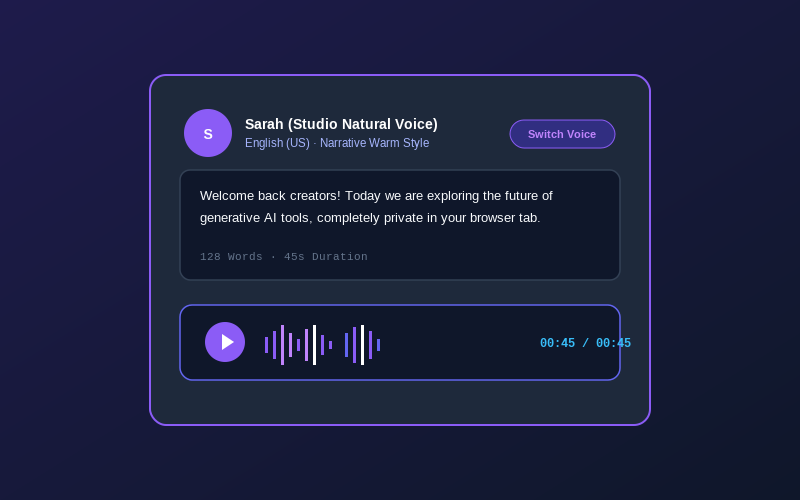
    Text to Speech

    Natural AI voiceovers from a script, with native Hindi voices and many languages. Cost shown first.
    visionTry now
  • Original AI music composition and beat sequencer
    Vision Studio
    Royalty Free DAW

    AI audio

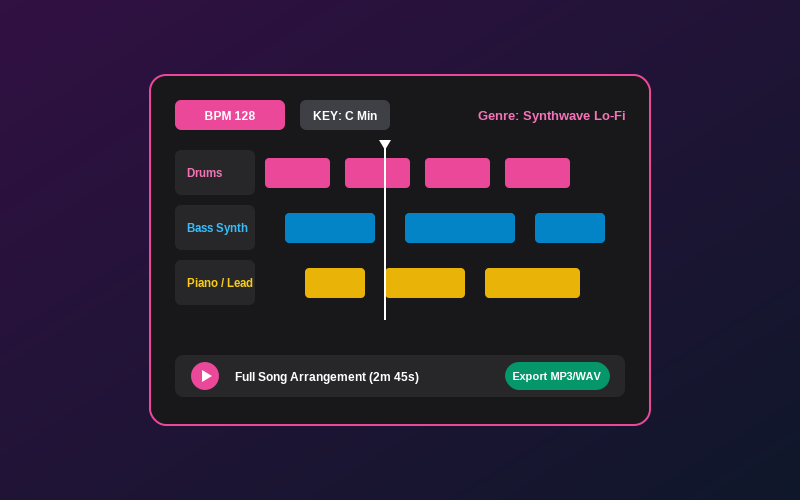
    AI Music Generator

    Original songs and instrumentals from a description or your own lyrics, up to five minutes long.
    visionTry now
  • Cinematic foley sound effects, waveforms and frequency meters
    Vision Studio
    Foley & SFX

    AI audio

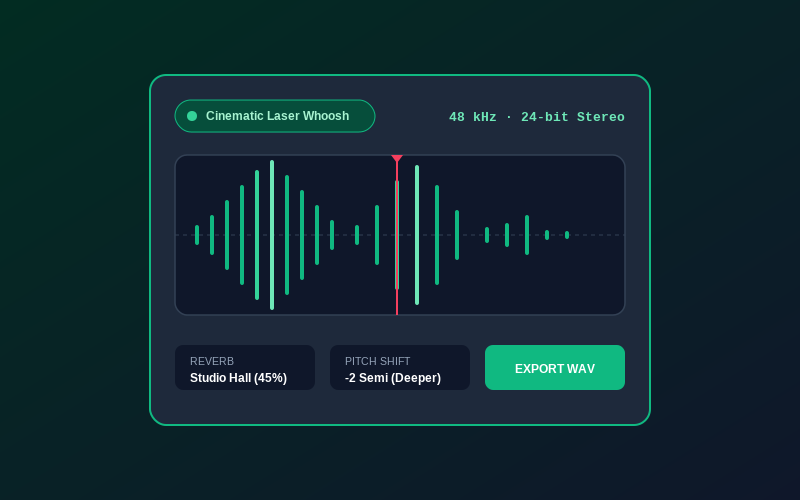
    AI Sound Effects Generator

    Foley, ambience and cinematic hits from a description, up to 22 seconds each.
    visionTry now
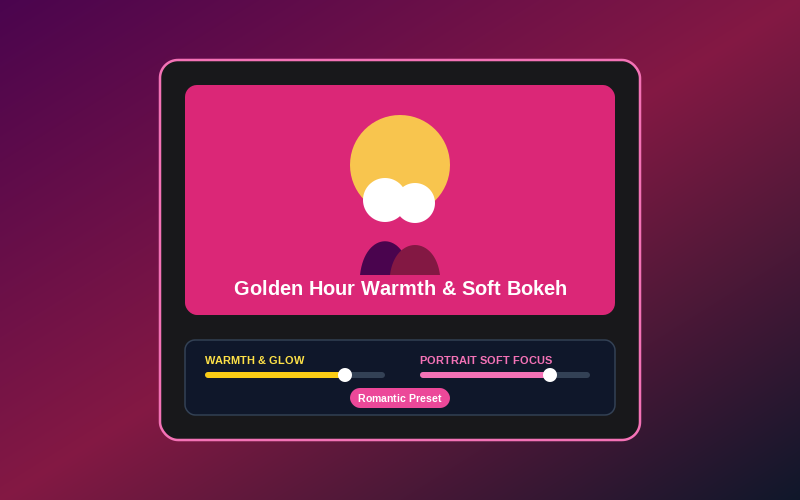
  • Romantic couple photo editing and warm color grading
    Vision Studio
    Portrait Glow

    AI generation

    AI Couple Photo Editing

    Upload your couple photo, describe a new scene, outfit or art style, and get AI-edited versions to keep or share.

    visionTry now
How it works

Three steps, start to finish.

  1. 01

    Describe what you want

    Type a sentence or add a reference photo, then pick a style and a ratio.

  2. 02

    Check the cost, generate

    The credit cost is shown before you run it. Generate, and watch the result resolve.

  3. 03

    Use it anywhere

    Download it, or drop it straight into a Pixel Studio design or a Motion Studio video.

Made for

  • Product shots
  • Social media visuals
  • Thumbnails
  • Ad creatives
  • B-roll clips
  • Voiceovers
  • Background music
  • Sound effects
  • Concept art
  • Short films

// Guide

  1. Write a clear prompt
  2. Pick the right desk and model
  3. AI art generator styles
  4. See the cost before you generate
  5. Use what you make

How to use an AI generator for images, video and voice

Vision Studio is an AI generator with four desks: Image, Video, Cinema and Audio. You type what you want, pick a model, see the credit cost, and generate.

Write a clear prompt

Say what is in the picture, where it is, the light and the style: "a chai stall on a Mumbai street at dusk, warm light, cinematic photo". Short, concrete words beat long lists of adjectives. The AI image prompts guide has more examples.

Pick the right desk and model

  • Image: text-to-image and edits from a reference photo with models like GPT Image, Nano Banana, FLUX.2 and Seedream. See the AI image generator, or edit your own photo with AI couple photo editing.
  • Video: text to video or image to video with Veo 3.1, Kling, Seedance and more.
  • Cinema: direct a shot by choosing the film style, camera move, colour palette and lighting.
  • Audio: text to speech voices, AI music and sound effects.

AI art generator styles

Choose a style such as realistic, anime, cinematic, 3D or watercolour, and a shape that matches where the image will go: 1:1 or 4:5 for posts, 9:16 for stories and Shorts, 16:9 for YouTube.

See the cost before you generate

Every model shows its credit cost next to the Generate button. Every new account gets 50 free credits in its first month to try any model, then 10 a month, and paid plans include more each month.

Use what you make

Download the result, or send it into a Pixel Studio design or a Motion Studio video. Paid plans include a commercial licence. Label realistic AI images and videos when you post them; see AI labels on YouTube and Instagram.

Pricing

One plan. Every studio.

One plan covers Vision Studio and the other three studios. Pick the one that fits how much you make.

Compare plans

Every plan

The essentials

  • Image, video and audio generation
  • The cost shown before every generation
  • Credits that refill every month

Paid plans add

More room

  • Up to 5,000 credits a month
  • Every image and video model
  • More generations each month
  • A commercial licence for what you make
One login

It works with the other three.

Vision Studio shares your account, plan and files with the rest of Editing Karo, so a post, a reel and its caption get finished together.

Online design editor

Pixel Studio

Pixel Studio is a free online graphic design tool that runs in your browser: formats, templates, photos, type and AI tools on one canvas. Every design stays editable down to the last layer, and it saves as you work.

Online video editor

Motion Studio

Motion Studio is a free online video editor with a multi-track timeline built for short-form video. Trim and arrange clips, add titles, captions that follow the voice, and sound — then export an MP4 sized for Reels, Shorts or YouTube.

AI writing assistant

Content Studio

Content Studio is an AI content writer with writing tools for ten channels. Give it the idea, and get the script, the caption, the post and the email — each in the shape its platform expects.

FAQ

Vision Studio, answered

More questions about plans and credits are on the pricing page.

Images: GPT Image, Nano Banana, FLUX.2, Seedream, Qwen Image, Kling Image, Wan and Grok Imagine. Video: Veo 3.1, Kling, Seedance, MiniMax Hailuo and Wan. Audio: ElevenLabs voices, music and sound effects. All of them sit in one account and one credit balance.

Yes. Every new account gets 50 free credits in its first month, then 10 a month, and can try every model. Each generation shows its credit cost before you run it.

Yes. The Image desk works as an AI art generator: pick realistic, anime, cinematic, 3D, watercolour and other styles, or add a reference photo to guide the look.

Anyone who needs visuals without a shoot: product shots, ad creatives, thumbnails, B-roll, voiceovers and background music. Describe what you want, pick a model, and see the credit cost before you generate.

Images, short video clips, voiceovers, music and sound effects. The Cinema desk adds control over film style, camera movement, colour and lighting for directed shots.

Each generation costs a number of credits that depends on what you make, and the cost is shown before you run it. Credits refill every month with your plan, and you can buy more at any time.

Yes. Give the Video desk a still image and describe the motion, and it animates the picture into a clip.

Paid plans include a commercial licence, so what you generate can be used for clients, ads and products. The AI Usage Policy explains ownership in full.

Pixel Studio
Motion Studio
Vision Studio
Content Studio
Built for creators and brands

Your next post is one tab away.

Design, edit, generate and write in one place, with all four studios on one plan.

See pricing
  • Posts & reelsPosts, reels, AI and copy
  • In your browserWorks in your browser
  • One loginFour studios, one login

One tab,
every studio.

Design, video, AI generation and writing. Four studios in one browser tab.

Studios

  • Pixel Studio
  • Motion Studio
  • Vision Studio
  • Content Studio
  • Free tools

Product

  • Features
  • Create
  • Pricing
  • Docs
  • Blog

Company

  • About us
  • Contact us
  • Send feedback
  • FAQ
  • All policies

Legal

  • Privacy Policy
  • Terms of Service
  • Cookie Policy
  • Acceptable Use
  • AI Usage Policy
  • Copyright / DMCA

Billing

  • Refund & Cancellation
  • Subscription & Billing
  • Credits Policy
  • Service Delivery

© 2026 Editing Karo. All rights reserved.

Made withlovein India

Editing Karo