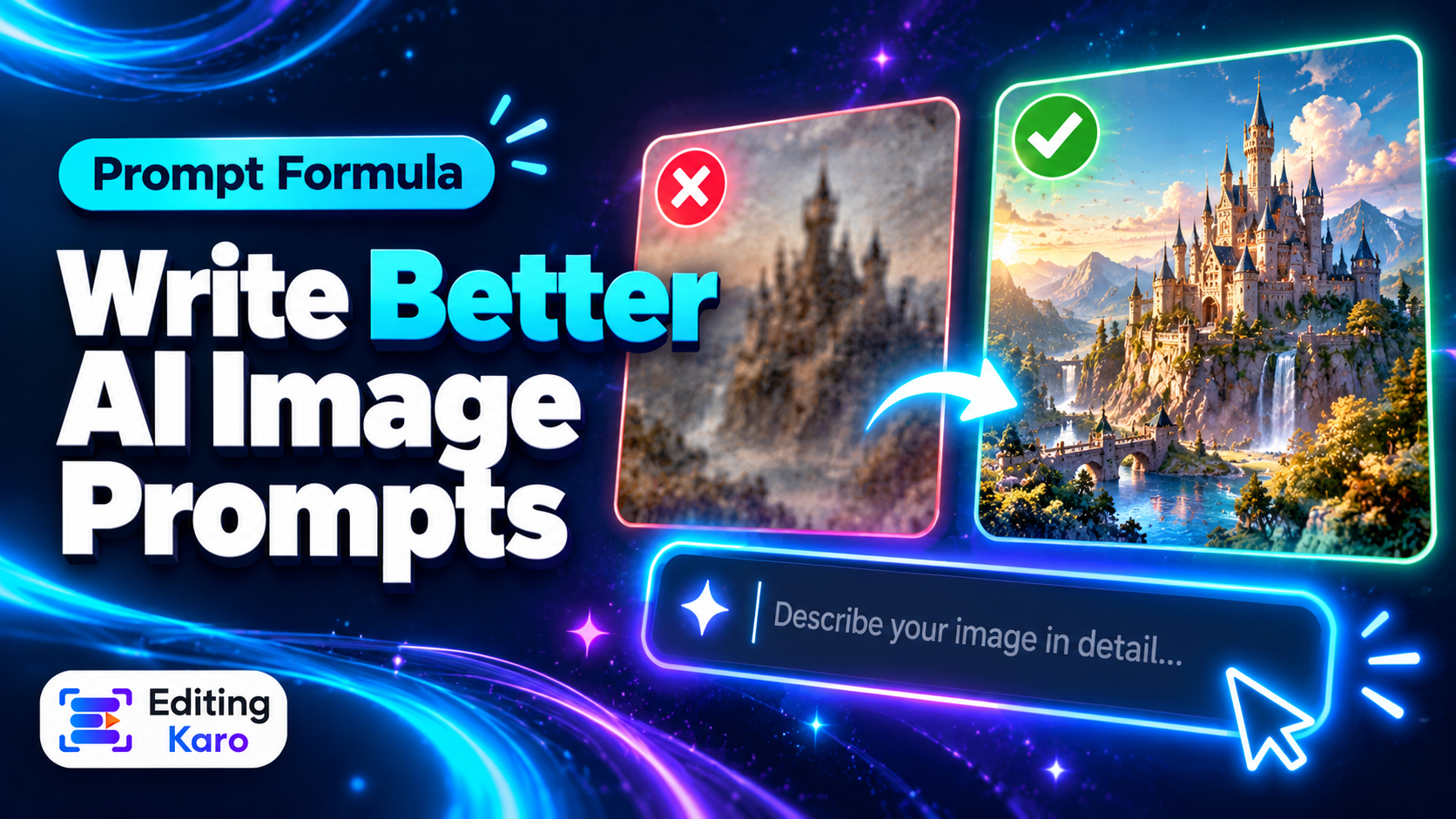
If you've tried an AI image generator and got something that was almost right — the wrong mood, a weird angle, a background that makes no sense — the problem usually isn't the model. It's the prompt.
AI image models are very literal. They fill every gap you leave with the most average guess. "A coffee shop" gets you the most generic coffee shop imaginable. Describe the one you actually see in your head, and the result gets far closer.
A useful prompt answers six questions:
| Part | Question | Example |
|---|
| Subject | Who or what, exactly? | a young woman in a mustard kurta |
| Action | What are they doing? | laughing while holding a clay cup of chai |
| Setting | Where and when? | on a Jaipur rooftop at sunset |
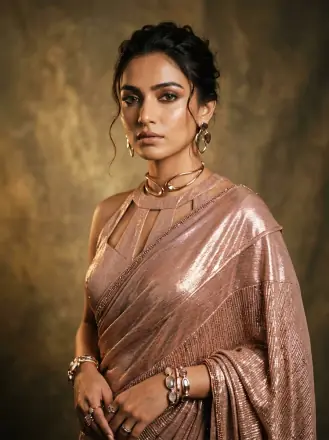
| Style | What kind of image? | editorial lifestyle photograph |
| Lighting | What's the light like? | warm golden-hour light, soft shadows |
| Composition | How is it framed? | medium shot, eye level, 4:5 portrait |
Put together:
An editorial lifestyle photograph of a young woman in a mustard kurta, laughing while holding a clay cup of chai on a Jaipur rooftop at sunset, warm golden-hour light, soft shadows, medium shot at eye level, 4:5 portrait.
You don't need all six every time, but the more of them you decide, the less the model decides for you.
Before and after
Weak: "a product photo of a candle"
Better: "A studio product photo of a handmade soy candle in an amber glass jar, on a travertine stone block, dried flowers beside it, soft window light from the left, beige background, minimal and calm, close-up, 1:1."
Weak: "YouTube thumbnail background for a tech video"
Better: "A dark desk setup with a glowing laptop and neon blue and purple rim light, lots of empty space on the right for text, cinematic, shallow depth of field, 16:9."
In both cases the second prompt says what's in the frame, how it's lit, what the mood is — and leaves room for the text you'll add later.
Style words that make a real difference
Style is the part people most often leave out, and it changes everything. A few useful families:
- Photography: editorial photograph, product photo, street photography, film photo, macro shot.
- Illustration: flat vector illustration, watercolour, ink sketch, children's book illustration.
- 3D: 3D render, clay render, isometric 3D, glossy plastic.
- Graphic: poster design, minimal geometric, paper cut-out, collage.
Add a mood word or two — calm, energetic, luxurious, playful, nostalgic — and the model adjusts colour and composition to match.
Tip: Avoid asking for a specific living artist's style or a real brand's look. Describe the qualities you like instead — "bold flat colours, thick outlines, playful characters".
Lighting and camera words
These are the fastest way to make AI images look less "AI":
- Light: golden hour, soft window light, overcast daylight, studio softbox, neon rim light, candlelight.
- Angle: eye level, low angle (makes subjects look powerful), top-down flat lay, over-the-shoulder.
- Framing: close-up, medium shot, wide shot, lots of negative space.
- Lens feel: shallow depth of field (blurry background), wide angle, macro.
Ask for the shape you'll post
If the image is going on Instagram, ask for 4:5; for Stories and Reels, 9:16; for YouTube, 16:9. Generating square and cropping later often cuts off something important. (Not sure which size you need? See our Instagram size guide.)
Leave text out of the image
Many image models still get lettering wrong — misspelled words, strange characters. For posters, thumbnails and ads, generate the image without text and ask for "empty space on the left" (or wherever your headline will go). Then add the text in a design tool, where you control the font and the spelling.
Refine one thing at a time
Your first result is a draft. To improve it:
- 1Look at what's wrong — the light? the angle? the background?
- 2Change only that part of the prompt.
- 3Generate again and compare.
If you change five things at once, you won't know which change helped. Generate a few variations each time; image models add randomness, so the best result is often the third or fourth.
Common mistakes
- Too vague: "a nice picture of food". Which food? Where? What style?
- Contradictions: "minimal, busy, colourful, monochrome". Pick a direction.
- Keyword soup: long lists of "4k, 8k, ultra-detailed, masterpiece" add little. Clear description matters more.
- Asking for exact text: add it afterwards.
- Wrong shape: decide the aspect ratio before generating.
Try it in Vision Studio
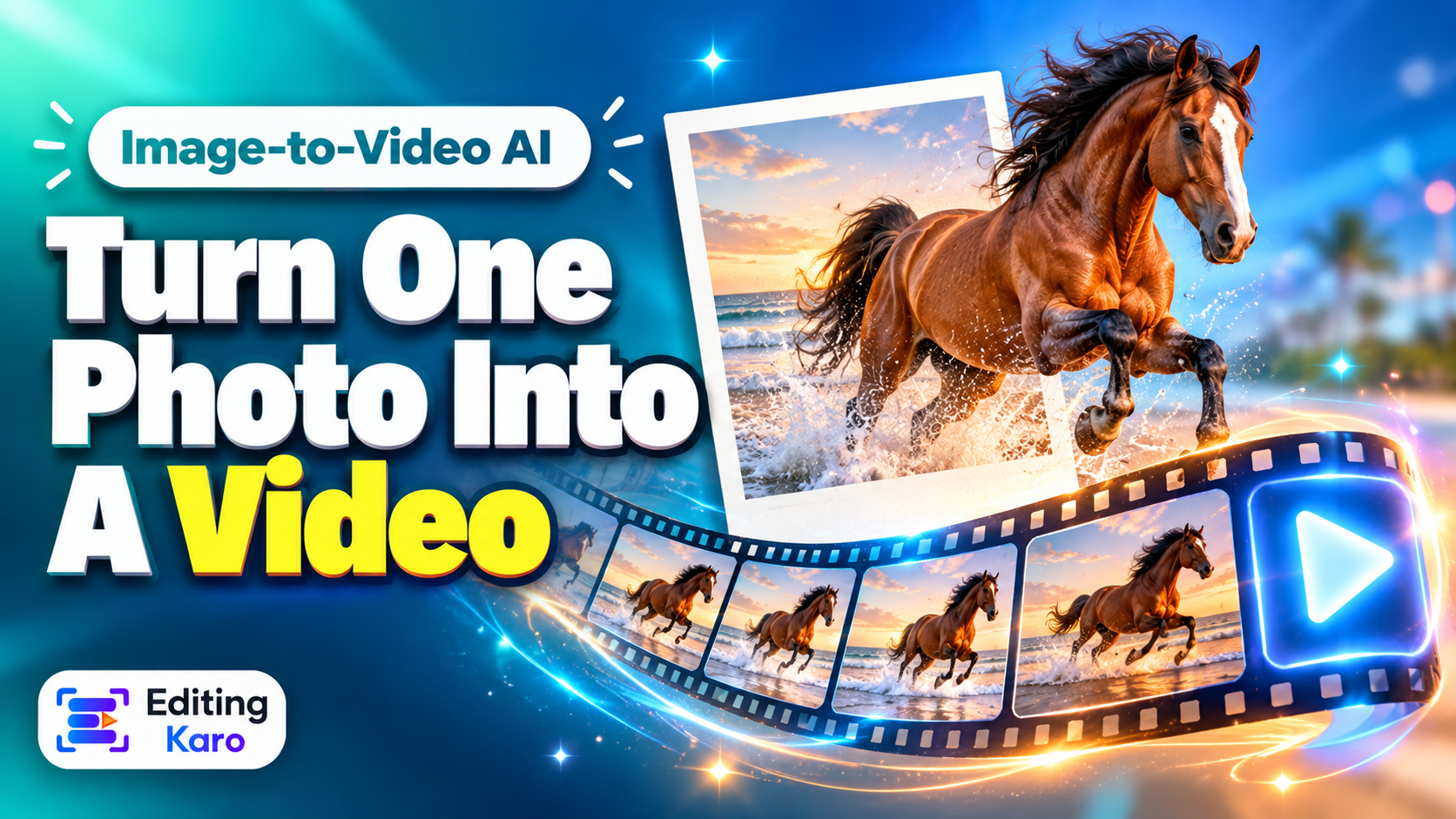
In Vision Studio you can pick from several image models, set the aspect ratio before generating, and see the credit cost before you press generate. When you have the image you want, open it in Pixel Studio to add your headline, logo and colours — or turn it into a short video clip for a Reel.
Prompt checklist
- Subject described specifically.
- Action and setting included.
- A style and a mood chosen.
- Lighting and framing described.
- Aspect ratio matches where it'll be posted.
- No exact text — add it afterwards.
- Refine one thing at a time.