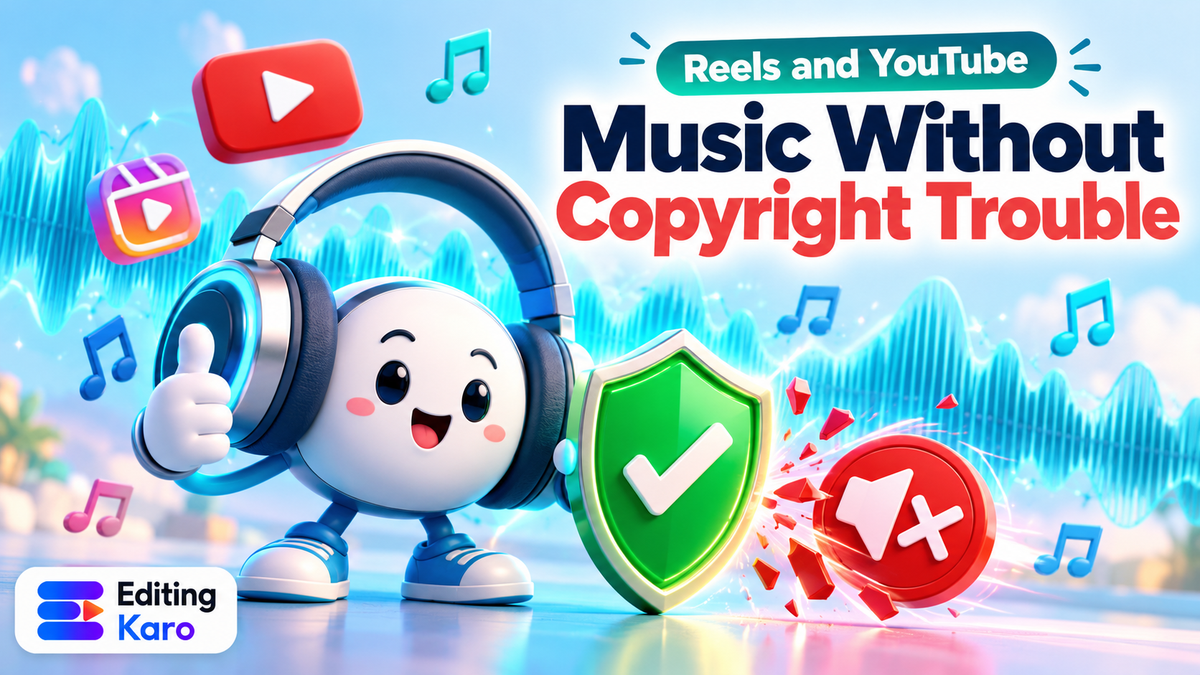
Music for Reels and YouTube Without Copyright Trouble: What's Actually Safe in 2026
You finish a Reel, add the song everyone's using this week, and post it. An hour later the audio is muted, or the post is gone, or on YouTube there's a yellow dollar icon and a notice that your earnings go to someone else.
Music copyright on social media confuses almost everyone, partly because what's allowed depends on which account you post from, where you add the music, and what you plan to do with the video. Here's how it works in plain language.
A quick note: this is general information to help you avoid common problems, not legal advice. For anything commercial or high-stakes, check the exact licence terms or ask a lawyer.
The one idea that explains everything
Every song has owners: usually the composer and lyricist (the composition) and a label (the recording). To use it in your video, someone has to have permission from them.
There are only a few ways that happens:
- 1The platform licensed it for you. When you add a song from Instagram's music sticker or Reels audio, Meta has a deal with the rights holders for that use.
- 2You licensed it. You bought or subscribed to a licence from a music library.
- 3The creator gave permission openly. For example YouTube Audio Library tracks, or some Creative Commons music.
- 4You made it. Your own recording, or music generated for you by a tool whose terms give you the rights.
If none of those is true, you're using the music without permission, no matter how short the clip, how small your account, or how nicely you credit the artist.
Instagram: personal vs business accounts
Meta's help centre says its licensed music library is intended for personal, non-commercial use, and that certain business accounts and certain types of posts don't have access to it. Those accounts may be able to use Meta's Sound Collection instead, a library of royalty-free tracks and sound effects (Instagram Help).
What that means in practice:
| Account | Popular songs from Instagram's library | Sound Collection |
|---|---|---|
| Personal | Usually available | Available |
| Creator | Often available, depending on region and post | Available |
| Business | Often limited or unavailable | Available |
Even when a creator account can add a popular song, using it in a paid partnership or ad is a different matter. Brand content is commercial, and the library licence is not meant for it. That's why many brands ask creators to use library-safe or original audio for sponsored Reels.
The "upload your own edit" trap
Adding a song from Instagram's library inside the app is licensed. Exporting a video with the song mixed in from another app and uploading it is not the same thing. That file gets matched against rights databases, and it's the most common reason a Reel gets muted.
If you edit outside Instagram and want a trending song, export the video without that music, then add the track inside Instagram.
YouTube: claims, strikes and the Audio Library
YouTube uses a system called Content ID that matches uploads against music submitted by rights holders. When it finds a match, the owner can choose what happens: often they take the ad revenue, sometimes they block the video in some or all countries.
A Content ID claim is not the same as a copyright strike:
| Content ID claim | Copyright strike | |
|---|---|---|
| Triggered by | Automatic match | A formal takedown request |
| Usual result | Revenue goes to the owner, or video blocked | Video removed; strike on the channel |
| Channel risk | Low | High: three active strikes can end a channel |
The safe library on YouTube is the YouTube Audio Library in YouTube Studio. Its music is cleared for use in YouTube videos, including monetised ones. Some tracks ask for attribution in the description; the library tells you which.
Shorts have their own sound library, and songs added from it inside the Shorts tools are handled differently from songs baked into an uploaded file, in the same way Instagram's are.
"Copyright-free" isn't always free
Search "no copyright music" and you'll find thousands of uploads promising free tracks. Be careful:
- Some are genuinely free to use, with clear terms.
- Some are someone else's music re-uploaded by a person who has no right to give it away.
- Some are free for personal use but not for business or monetised videos.
- Some are registered with Content ID, so your video gets claimed anyway.
Before you use a track, find the original source and the written licence. If you can't find either, don't use it in anything that matters.
The safe options, ranked by effort
| Option | Cost | Good for | Watch out for |
|---|---|---|---|
| Instagram library (inside the app) | Free | Personal and many creator Reels | Not meant for ads or brand content |
| Meta Sound Collection | Free | Business accounts, brand posts | Smaller selection |
| YouTube Audio Library | Free | Any YouTube video, including monetised | Some tracks need attribution |
| Paid music library subscription | Monthly or per track | Brands, client work, ads | Read what the licence covers (platforms, ads, duration) |
| AI-generated music | Per track | Background music made to fit | Check the tool's commercial terms |
| Your own recording | Your time | Anything | Don't record someone else's song: covers need permission too |
AI music: useful, with conditions
AI music tools can now produce a usable background track from a description: genre, mood, instruments, tempo. For creators that solves a real problem: you get something that fits your video's length and mood, and nobody else is using the same trending track.
A few cautions:
- Read the terms. Each tool says who owns what you generate and whether you can use it commercially. Paid plans and free plans often differ.
- Don't imitate a specific song or artist. Asking for "a track that sounds exactly like" a famous song is asking for trouble, both legally and in Content ID.
- Keep a record. Save the generation date, prompt and tool name. If a claim ever appears, that record helps you dispute it.
In Vision Studio's Audio desk you can generate music from a description (for example warm acoustic guitar, light percussion, upbeat, instrumental, no vocals) and sound effects, then use them in Motion Studio. The Audio desk docs explain the options and how pricing works.
Volume and mixing still matter
Once the music is safe, make it sound good:
- Under a voice, music should sit well below it. If people have to strain to hear you, the track is too loud.
- Fade in and out rather than cutting the music abruptly.
- Dip the music when you speak and bring it back up in pauses. In Motion Studio you can keyframe the volume to do this.
- Ask for "instrumental, no vocals" for background tracks. Lyrics compete with your words.
If your video uses a voiceover, our AI voiceover guide covers how to make it sound natural against music.
Scoring a video in Editing Karo
Editing Karo keeps a safe source of music next to your edit, so you're not downloading tracks from sites you can't verify:
- 1Generate the music. In the Vision Studio Audio desk, describe the track: genre, mood, instruments, tempo, and "instrumental, no vocals" for background music. The cost is shown before you generate, and you can try a few versions.
- 2Add sound effects the same way: a whoosh for a transition, a shop bell, rain, a cheering crowd.
- 3Bring it into Motion Studio. Audio sits on its own track. Set the volume and fades, and keyframe the music down under your voice.
- 4Add a voiceover if you need one, generated in the same Audio desk or recorded with Record in Motion Studio.
- 5Export a clean file. If you also want a trending song on Instagram, add it inside the app after uploading rather than baking it in.
Because the music is made for your video, it fits the length and mood exactly, and you avoid the sameness of everyone using the same trending track.
A quick decision guide
- Personal Reel, fun content: use Instagram's library, inside the app.
- Business account, brand post or ad: use Meta's Sound Collection, a paid licence, AI music, or your own.
- Monetised YouTube video: use the YouTube Audio Library, a licence that covers monetisation, or AI music with commercial rights.
- Client work: get a licence that names the client's use, or generate original music, and keep the paperwork.
- Not sure: don't use it.
If you've already been claimed
- On YouTube, open the claim in YouTube Studio. You can often trim the claimed part, replace the song or mute it with YouTube's built-in editor, and the claim is released. Dispute only if you genuinely have the rights.
- On Instagram, a muted Reel can't be fixed in place. Re-edit with safe audio and post again.
Music makes short video work. Getting it from a source that gives you permission is what lets that video stay up, keep its sound, and keep its earnings.
Next time you're about to grab a "no copyright" track from an upload you can't verify, generate one in the Audio desk instead. It takes a minute, and you'll know exactly where your music came from.
Frequently asked questions
Can I use a Bollywood song if I only use 15 seconds?
There's no '15-second rule' or 'five-second rule' in copyright law. Using any part of a song you don't have rights to can trigger a claim. Inside Instagram's own music library the track is licensed for that use, which is why adding it from the library is different from uploading your own edit with the song baked in.
Why can't my business account use popular songs on Instagram?
Meta says its licensed music is for personal, non-commercial use, and some business accounts and post types don't get access to it. Those accounts can usually use Meta's Sound Collection, a library of royalty-free tracks and effects cleared for business use.
Is crediting the artist in the description enough?
No. Credit is polite, but it isn't permission. Unless the licence specifically says attribution is all it asks for (some Creative Commons and Audio Library tracks do), crediting doesn't make the use legal.
Can I monetise a YouTube video with AI-generated music?
Generally yes, if the tool's terms grant you commercial rights to what you generate and the track isn't an imitation of a specific song. Read the terms of the tool you use, and keep a record of when you generated each track.
What happens if I get a copyright claim on YouTube?
A Content ID claim usually means the rights holder can block the video or take its ad revenue; it isn't a strike. A copyright takedown request is more serious and can lead to a strike. You can often resolve a claim by trimming or replacing the song with YouTube's editor tools.