Marriage Biodata Format: What to Include, What to Skip, and How to Design One Families Actually Read
Design, edit, generate and write in one place, with all four studios on one plan.
The rishta conversations have started at home. Someone's aunt has asked for "the biodata", your parents are looking at you, and the only version that exists is a Word file from 2019 with Comic Sans and a photo from your cousin's wedding.
A marriage biodata format doesn't need to be fancy. It needs to be clear, honest, safe to forward and pleasant to read on a phone, because that's where most families will see it. This guide covers the sections families expect, a full sample you can copy, what to keep private, photo tips, and how to design a one-page PDF that looks neat.
Take an illustrative family we'll follow throughout: the Deshpandes in Pune, making a biodata for their daughter Sneha, a software engineer, in English with a Marathi version for grandparents.
Most biodatas, whatever the language or region, follow this order:
| Section | What goes in it | Notes |
|---|---|---|
| Photo | One clear, recent portrait | Optional second full-length photo |
| Personal details | Name, date of birth or age, height, religion, mother tongue | Community and horoscope are optional |
| Education and career |
It is a one-page summary of a person's details shared between families when looking for a marriage match. It usually covers personal details, education, profession, family, expectations from a partner and contact information, with one or two photos.
Name, date of birth or age, height, education, profession, family details, partner expectations and a contact number, plus one or two photos. Many families also add religion, community, mother tongue and horoscope details, but these are optional.
| Income as a range, or skip it |
| Family | Parents' names and professions, siblings | Native place if the family wishes |
| Expectations | Two or three lines on the partner you hope for | Short and respectful |
| Contact | One contact person's name and phone number | No home address |
Families scan for the first two sections quickly, so keep them at the top and make them easy to read.
Keep this section factual and short. A clean list works best:
Name: Sneha Deshpande
Date of birth: 14 March 1998
Height: 5 ft 4 in
Religion / mother tongue: Hindu / Marathi
Diet: Vegetarian
Hobbies: Classical dance, trekking
Horoscope details such as rashi, nakshatra, gotra, manglik status, and birth time and place are common in some families and absent in others. If yours wants them, put them in a small separate box so they don't crowd the main details. The same goes for community or sub-community: include it only if your family wants to, and write it plainly.
Write the highest degree first, then the job: title, company and city. "B.E. Computer Engineering, COEP Pune. Senior Software Engineer at a product company, Pune." That tells families what they want to know in one line.
Income is a personal choice. Many people write a range ("12 to 15 lakh per year") and others leave it for a later conversation. Never attach salary slips to a document that will be forwarded.
List parents with their professions and siblings with education, profession and marital status. Native place is common; extended family is optional.
Father: Mr. Prakash Deshpande, retired bank manager
Mother: Mrs. Anjali Deshpande, school teacher
Brother: Rohan, MBA, working in Bengaluru, married
Native place: Satara, Maharashtra
This is where many biodatas go wrong, with long lists that read like demands. Two or three lines are enough.
Weak: "Boy should be tall, fair, handsome, well settled, from a good family, earning above 20 lakh, no bad habits, must live in Pune."
Strong: "Looking for a well-educated, kind and family-oriented partner, preferably working in Pune or Mumbai, who values both career and family."
The second version gets better responses because it describes values, not a checklist.
Give one contact person's name and mobile number, usually a parent. Biodatas travel far on WhatsApp, often beyond the people you sent them to, so leave these out:
If you upload your biodata to a matrimonial site, check its privacy settings. India's Digital Personal Data Protection Act, 2023 sets rules for how companies handle personal data (Government of India on the DPDP Act), but the safest data is the data you never share.
Legal note: Under the Prohibition of Child Marriage Act, 2006, the minimum age of marriage is 21 for men and 18 for women (PRS India summary). A 2021 bill proposed raising the age for women to 21. This is general information, not legal advice.
Photos are the first thing everyone looks at, so choose carefully.
Sneha's best photo was taken at a family function with relatives in the background. Removing the background and placing her on a soft cream colour turned it into a clean portrait without a new photoshoot.
Good biodata design is mostly restraint.
| Element | Do | Avoid |
|---|---|---|
| Page | A4 portrait, one page | Two pages of padding |
| Fonts | One elegant heading font, one plain body font | Three decorative fonts |
| Colours | Cream, maroon, gold, navy or soft green | Neon colours and rainbow text |
| Decoration | Thin border, small motif at the top | Busy patterns behind the text |
| Photo | Top right or top centre, in a simple frame | Photo stretched or squashed |
| File | Word file that shifts on phones |
If your family adds a religious symbol or a short blessing at the top, keep it small and centred. Our font pairing guide has calm pairs that suit a biodata, and readable text on social media posts explains why text should never sit on a busy background.
For a Devanagari biodata, choose a font that supports Hindi or Marathi fully and check every matra and conjunct letter in the preview before exporting. A bilingual layout with English headings and Marathi or Hindi details works well when the biodata goes to both younger and older family members. That's what the Deshpandes did: one design, two language versions.
The Deshpandes' first draft, made by a well-meaning uncle, had most of these. They're easy to fix once you see them.
Most families share the biodata on WhatsApp first, then exchange a phone call if both sides are interested. Send it with a short, polite note, not just the file. Keep a list of whom you sent it to, so you can follow up or ask for it not to be forwarded further. If details change, such as a new job or city, update the PDF straight away so an old version doesn't keep circulating.
A marriage biodata is a personal document; a resume is for jobs. If you're applying for work, our resume format for freshers guide covers that instead. And when the wedding is fixed, our guide to digital wedding invitations takes it from there.
Here's how the Deshpandes made Sneha's biodata in Pixel Studio:
| Task | Where | How |
|---|---|---|
| Start an A4 page | Pixel Studio | Open the A4 document format, or start from a template in the resume maker and adapt it |
| Clean up the photo | Pixel Studio | Background Remover, then place the photo on a soft colour |
| Fit the photo neatly | Pixel Studio | Drop it into a circle or rounded frame; it fits itself |
| Crop a passport-size copy | Free tool | The passport size photo maker crops one for forms |
| Add Devanagari text | Pixel Studio | Pick a font that supports Hindi or Marathi and check the preview |
| Export | Pixel Studio | Download a PDF to share on WhatsApp or print |
There isn't a dedicated biodata template category yet, so start from a clean document or resume template and adapt it; the layout rules above are what matter. Free exports include a small watermark and paid plans remove it. The export docs explain the file types. The advantage of designing it in Editing Karo is that the photo clean-up, the layout and the PDF all happen in one place, and updating it later takes minutes.
Open Pixel Studio, start an A4 page and write the personal details first. Once the words are right, the design takes ten minutes.
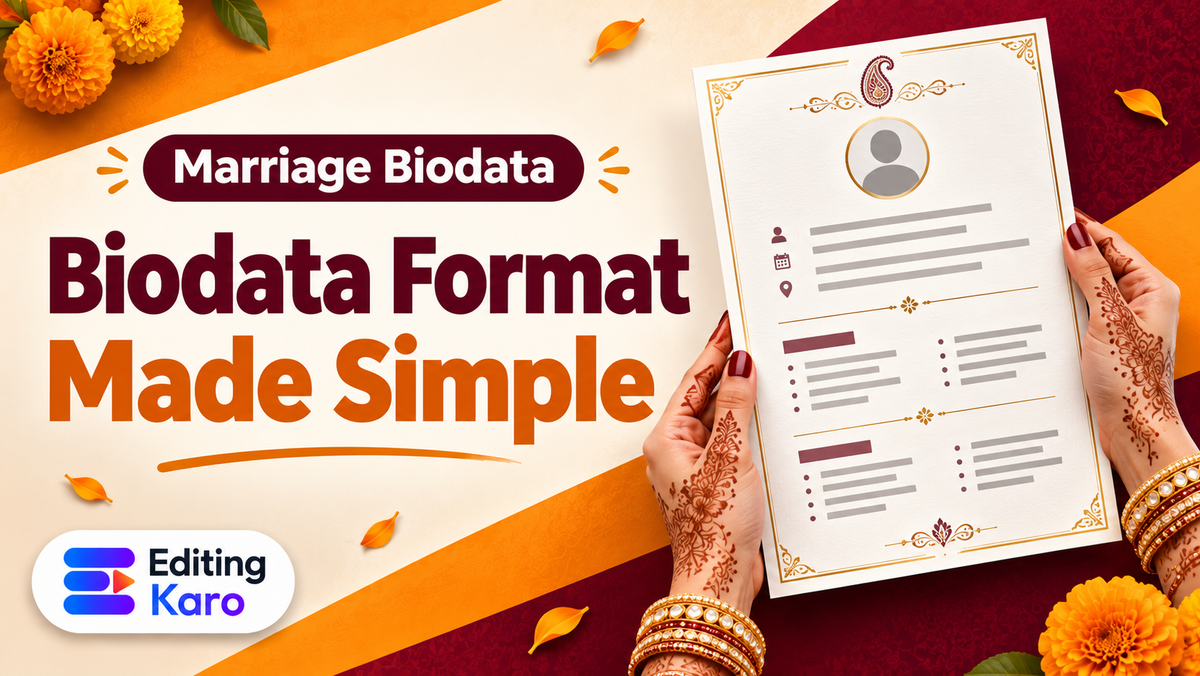
A one-page A4 layout with clear headings: personal details, education and career, family, expectations and contact. Put the photo at the top, keep the font simple, and share it as a PDF so it looks the same on every phone.
One page is best. Families read many biodatas, often on a phone, and a single page is easier to take in. Move long details like extended family or full horoscope charts to a second page only if they are needed.
One clear, recent portrait with your face well lit, and optionally one full-length photo. Avoid heavy filters, group photos and sunglasses. Photos should look like you do today, because a mismatch at the first meeting creates distrust.
Date of birth is common because horoscope matching needs it; some people write age instead for privacy. If you include birth time and place for horoscope matching, add them in a separate small section.
No. It is a personal and family choice. Some families include community or sub-community, others leave it out entirely. If you include it, write it plainly in the personal details without making it the headline.
Only if your family wants horoscope matching. Common fields are rashi, nakshatra, gotra, manglik status and birth time and place. Many modern biodatas leave these out and share them later if both families are interested.
Many people mention annual income as a range, such as '12 to 15 lakh per year', or leave it for a later conversation. Never attach salary slips or bank details to a biodata that will be forwarded to many people.
Aadhaar, PAN or passport numbers, your full home address, bank details, salary slips and passwords. Biodatas get forwarded widely on WhatsApp, so share only what a stranger could safely see.
Under the Prohibition of Child Marriage Act, 2006, the minimum age is 21 for men and 18 for women. A 2021 bill proposed raising the age for women to 21; check the current law before relying on either figure.
Yes. Use a font that supports Devanagari and check every letter in the preview, especially matras and conjunct letters. Many families prefer a bilingual biodata with English headings and details in Hindi or Marathi.
Design it in whatever tool you like, but share it as a PDF. A PDF keeps fonts, photos and layout the same on every phone and laptop, while a Word file can shift and look broken on another device.
Keep it short and respectful: education level, profession, location preference, values and lifestyle, in two or three lines. A long list of demands reads poorly; a few clear preferences help the right families respond.
Parents with their professions, siblings with their education, profession and marital status, and optionally where the family is from. Grandparents and extended family can be added if the family considers them important.
No, it is a family tradition, not a rule. Some families add a symbol or a short blessing, such as a Ganesh image or 'Shree Ganeshaya Namah', others keep the top plain. Use whatever feels right for your family.
Use one elegant heading font and one readable body font, one or two calm colours, a thin border or small motif, and plenty of white space. Decoration should frame the text, never sit behind it.
Share the PDF only with people you trust, ask relatives not to post it in large groups, and leave out sensitive numbers. If you upload it to a matrimonial site, check the site's privacy settings first.
Yes. Open Pixel Studio on an A4 page, start from a document or resume template, replace the text with your details, drop photos into frames and export a PDF. Free exports carry a small watermark; paid plans remove it.
Yes. A plain or softly coloured background looks neater than a busy room. In Editing Karo, the Background Remover in Pixel Studio does it in one click, and you can place the photo on any colour.