How to Make a Digital Wedding Invitation (Card and Video) That Guests Actually Open
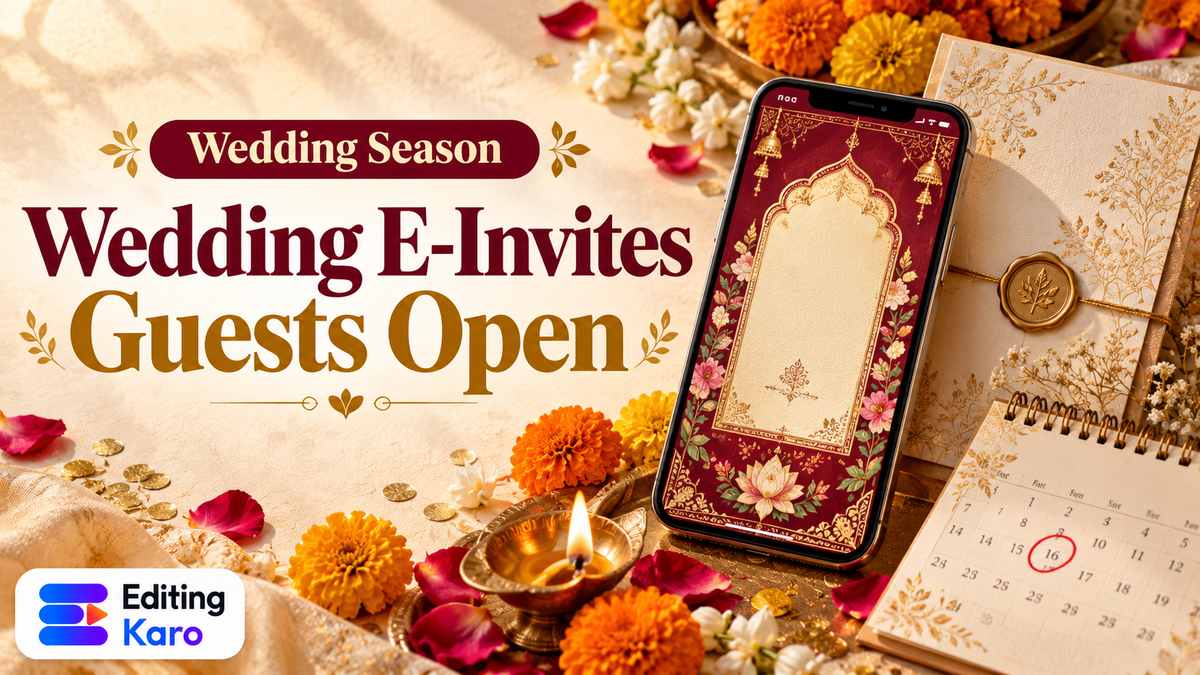
Wedding invitations used to mean a box of cards, a list of addresses and a lot of visits. Now the first thing most guests see is a message on WhatsApp: a card, a short video, or both.
The 2026 season has its busiest stretch in late November and early December, when several panchangs list shubh muhurat dates after Dev Uthani Ekadashi (Drik Panchang). If you're making invites for that window, or making them for clients, this guide covers what to include, how to design for a phone, and what goes wrong most often.
Card, video, or both?
| E-invite card | Invitation video | |
|---|---|---|
| What it is | A single image (or a few) | A 30–60 second vertical video |
| Best for | Quick sharing, elders, forwarding | Multi-event weddings, a bit of drama |
| Time to make | An hour or two | Half a day or more |
| File size | Small, sends instantly | Larger, can be slow on weak data |
Many families do both: a card that holds every detail and can be saved, and a video for the excitement. If you only make one, make the card. It's the thing people will open again on the morning of the event to check the venue.
What every invitation must include
Before any design, gather the facts and get them confirmed by the family:
- Names of the couple, spelled exactly as the family wants
- Parents' or hosts' names, if your tradition includes them
- Each event: name (Mehendi, Haldi, Sangeet, Wedding, Reception), date, day, time
- Venue for each event, with the city
- RSVP contact: one name and number
- Dress code or theme, if there is one
- Optional: a short blessing, shloka or line in your language
Write all of this in a plain text note first. That note becomes your proofreading source, and it's where most mistakes are caught.
Get the size right for phones
E-invites are read on phones, mostly inside WhatsApp. That changes how you design.
| Use | Size | Notes |
|---|---|---|
| WhatsApp chat card, Instagram post | 1080 × 1350 | Portrait 4:5, fills most of the screen |
| WhatsApp Status, Instagram Story | 1080 × 1920 | Full screen; keep text off the top and bottom edges |
| Invitation video | 1080 × 1920 | Vertical, MP4 |
| Print version | A5 or 5 × 7 inches | Needs a separate high-resolution file |
Our free social media sizes reference lists more. If you also need printed cards, design the print version separately at full resolution; a 1080-pixel image will look soft on paper.
Design tips that look elegant on a small screen
Fewer words per screen
A printed card can hold a lot of text because people hold it close. A phone screen can't. If one card has four events, consider a short series: a main card with the wedding date and venue, then one card per event. In a video, give each event its own page.
Readable fonts
Decorative script fonts look beautiful for the couple's names and terrible for times and addresses. Use the fancy font for names only, and a clean serif or sans-serif for every detail. Our font pairing guide explains how to combine them, and you can preview pairs in the free font pairing tool.
Contrast on rich backgrounds
Maroon, gold, deep green and pastel florals are popular, and they're also where text gets lost. Gold text on a cream background, or thin white text over a busy floral, can be almost unreadable on a phone. Check your colours with the colour contrast checker; if a detail fails, put it on a solid panel.
One visual idea
Pick one motif and repeat it: a mandap arch, marigold strings, a monogram of initials, a watercolour of the venue. Mixing five unrelated clip-art elements is what makes invites look cheap.
A colour palette from the wedding itself
Pull colours from the outfits, the décor plan or the venue. Two main colours and one accent are enough. The free colour palette generator can build a palette from one starting colour.
Making an invitation video
A good invitation video has a simple structure:
- 1Opening (3–5 seconds): a blessing, the family name, or a slow reveal of the couple's names.
- 2Save the date (3–4 seconds): the main wedding date, big.
- 3One page per event (4–6 seconds each): event name, date, time, venue.
- 4Closing (3–4 seconds): "With love, the ___ family" and the RSVP contact.
Gentle movement works better than flashy transitions: a slow zoom on a photo, text fading in line by line, petals drifting across the frame. In Motion Studio you can lay this out on a vertical 9:16 project, animate each text line with entrance moves or keyframes, add music, and export an MP4 for WhatsApp.
Hold every detail page long enough to read twice. Guests will pause the video if they need to, but they shouldn't have to.
Music
A soft instrumental or shehnai track sets the mood. If you plan to post the video publicly on Instagram or YouTube, popular film songs can be muted or blocked by copyright systems. Our guide to copyright-safe music covers safer options, including AI-generated tracks.
Using photos and AI
Pre-wedding shoot photos make an invite personal. Pick one or two strong ones rather than a collage.
If you don't have photos, or want an illustrated style, AI can help with backgrounds: a watercolour floral border, a palace-style arch, a soft mandala pattern. In Vision Studio you can describe the background you want, then place it in Pixel Studio and add your text on top. Our AI image prompts guide explains how to describe a style clearly.
Avoid asking AI to write the names, dates or venues into the image itself. Image models often misspell text. Generate the artwork, then add every word yourself as editable text.
What goes in the message, not the image
Links inside an image can't be tapped. So the WhatsApp message that carries your invite should include:
- A one-line greeting ("With joy, we invite you to…")
- The Google Maps link for each venue
- The RSVP name and number
- Any practical notes: parking, timing, dress code
Keep the message short. The card is the invitation; the message is the helpful bit around it.
Privacy: think before you post
An e-invite gets forwarded, often far beyond the guest list. Before you post it publicly or send it to large groups:
- Leave home addresses off the card; venue names and map links are enough
- Use one RSVP number rather than several family phones
- Think twice about putting the full schedule on public Instagram, which tells strangers when a house will be empty
Making the whole invite in Editing Karo
You can make the card, the video, the Status version and the music in one place, in your browser, without installing anything:
| Piece | Where | How |
|---|---|---|
| Artwork and backgrounds | Vision Studio | Describe a floral border, palace arch or watercolour scene and pick your favourite |
| The card | Pixel Studio | Portrait or Story canvas, every word as editable text, PNG for WhatsApp or PDF for print |
| Photo clean-up | Pixel Studio AI tools | Remove a background, erase a stray object, or sharpen an older photo with Super Resolution 4K |
| The video | Motion Studio | A 9:16 project with one page per event, entrance animations and music |
| Music | Vision Studio Audio desk | Generate a soft instrumental made to fit your video |
| The message | Content Studio | Draft the WhatsApp message and RSVP note in English, Hindi or Hinglish |
Save the wedding's colours and fonts in the brand kit, and the card and the video pick from the same palette, so everything matches. Wedding photographers, planners and print shops can use the same workflow to offer couples a matching card, Status and video set.
The proofreading checklist
Most invitation mistakes aren't design mistakes. They're a wrong date or a misspelled name sent to 400 people. Before sending:
| Check | Done? |
|---|---|
| Every name spelled as the family wants | |
| Dates match the days (is the 24th really a Tuesday?) | |
| Times include AM/PM, or "onwards" | |
| Venue names and cities correct | |
| Map links open the right place | |
| RSVP number works | |
| Text readable on a small phone, at normal brightness | |
| Video plays fully on WhatsApp on a slow connection |
Send the final version to two family members first and ask them to read it on their own phones. Then, and only then, start forwarding.
Start with the card: open Pixel Studio, choose a portrait canvas, and send a first draft to the family for approval. The Free plan is enough for drafts; upgrade for watermark-free, higher-resolution final files once every detail is confirmed.
Frequently asked questions
What size should a wedding e-invite be for WhatsApp?
A portrait card of 1080 × 1350 pixels works well in chats and on Instagram. For WhatsApp Status or an Instagram Story, use 1080 × 1920. Videos should be vertical 1080 × 1920 so they fill the screen when tapped.
Is it okay to send only a digital invitation?
For most guests, yes, and it's increasingly common. Many families still send printed cards to elders and close relatives, often with a personal visit or call, and send the e-invite to everyone else.
How long should a wedding invitation video be?
Thirty to sixty seconds covers most weddings. Give each event a few seconds on screen, long enough to read the details twice. Longer videos tend to get skipped, and big files take longer to download on WhatsApp.
Can I use a Bollywood song in my wedding invitation video?
Sending a private video to family on WhatsApp is different from posting publicly, but if you plan to post the invite on Instagram or YouTube, popular film songs can get muted or blocked. Royalty-free or custom music avoids the problem.
Should I put our phone numbers on the invitation?
Put one RSVP contact, usually a family member, and send the venue map link in the message. Avoid putting home addresses or many personal numbers on a card that may be forwarded far beyond your guest list.