How to add a filter to video so it looks good, not filtered
The best filtered videos don't look filtered. They look like one consistent film. A few habits get you there.
Fix first, then style
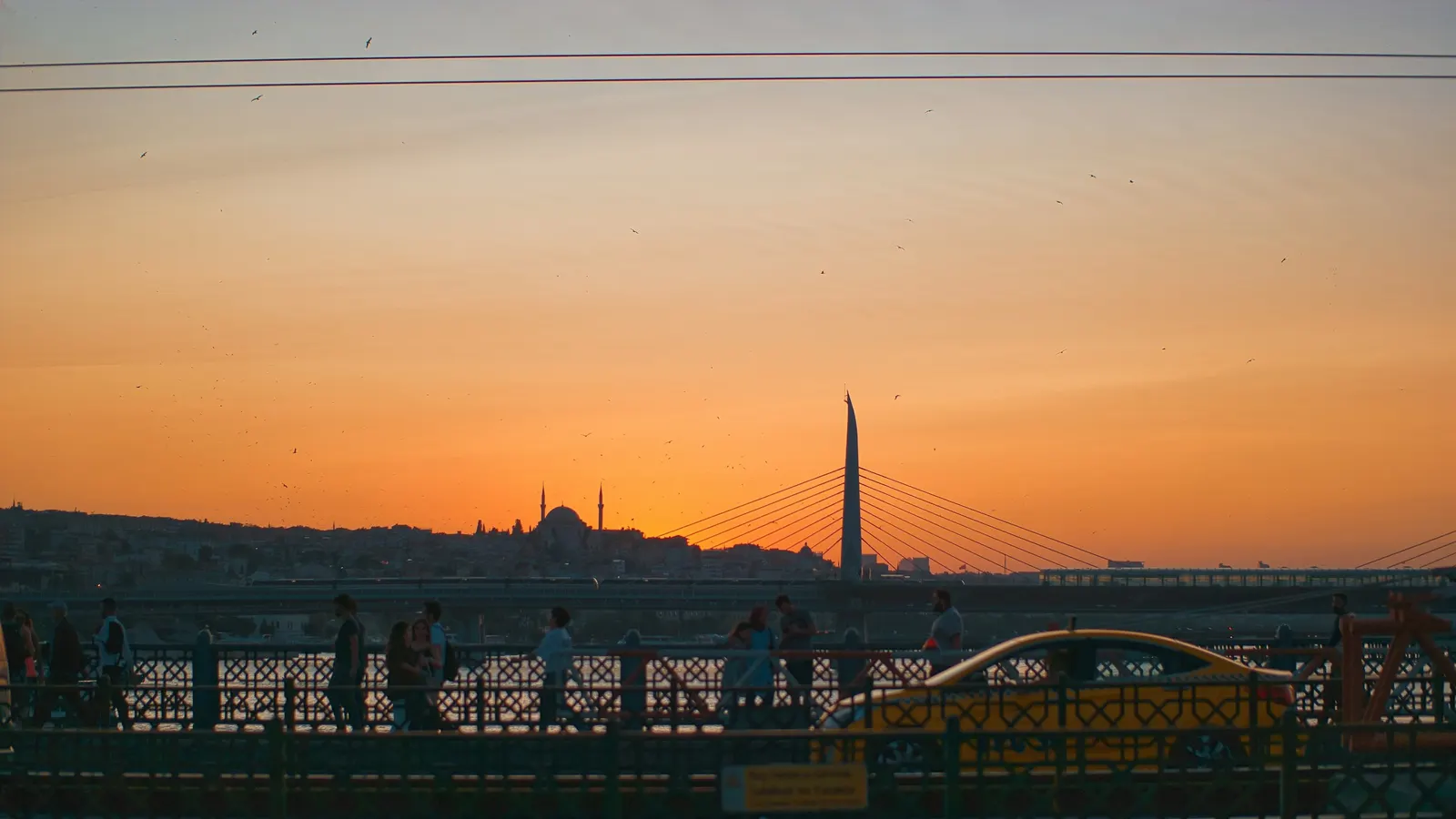
A filter can't save a clip that's too dark or too yellow, it just makes the problem moodier. Start in Colors: lift exposure if the clip is dark, pull warmth down if indoor lights made everything orange, and add a touch of contrast if it looks flat. Then choose a filter.
Pick one look per video
Viewers notice when colours jump between clips. Choose one filter for the whole video and apply it to every clip. If one clip still stands out, adjust only that clip's warmth or exposure until it matches its neighbours.
Match the filter to the story
| Story | Filters that fit |
|---|---|
| Travel, beaches, evenings | Golden hour, autumn |
| City, cinematic, action | Orange and teal, high contrast, bold and blue |
| Old memories, tributes | Black and white, old western, retro |
| Soft lifestyle, beauty | Pastel, winter |
| Moody, rainy, serious | Gloomy, purple undertone |
| Memes and jokes | Deep fried |
Watch skin tones
Strong filters can turn faces green, grey or orange. If a person is the subject, check their face after applying the filter. Pulling saturation down a little or nudging hue back usually brings skin back without losing the look.
Keep text readable
A darker or more contrasty filter can make white text harder to read. After grading, look at your titles again and add a shadow or a background box if they've faded into the picture. Our guide to readable text on social posts covers the details.
Filters vs effects
Filters change colour and stay still. Video effects move: glitch, VHS, zoom, flash. Use a filter for the look of the whole video and an effect for one moment.
Ideas to try
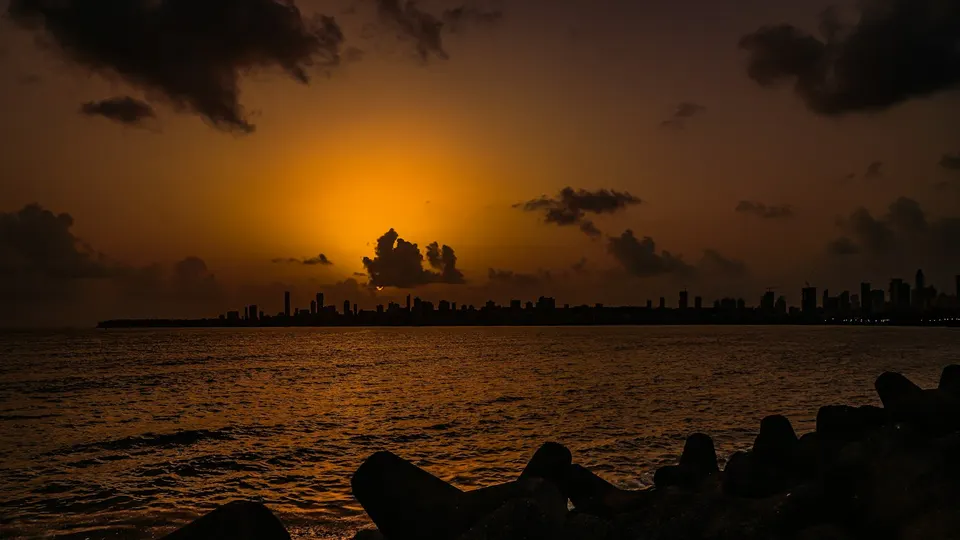
- A Goa or Marine Drive sunset Reel in golden hour, with warmth up slightly.
- A grandparents' tribute video in black and white with a slow fade.
- A café menu Reel with saturation and warmth up a touch.
- A city night walk in orange and teal for a cinematic feel.
What the Free plan includes
Filters and colour sliders are on the Free plan. It includes 20 export minutes a month at up to 720p, with a small watermark. Paid plans remove the watermark and export up to 4K. See pricing.