For years the easiest way to grow on Instagram was to collect other people's good posts and repost them. Meme pages, "daily motivation" accounts, city pages reposting every food vlogger's video — some grew to millions without making anything.
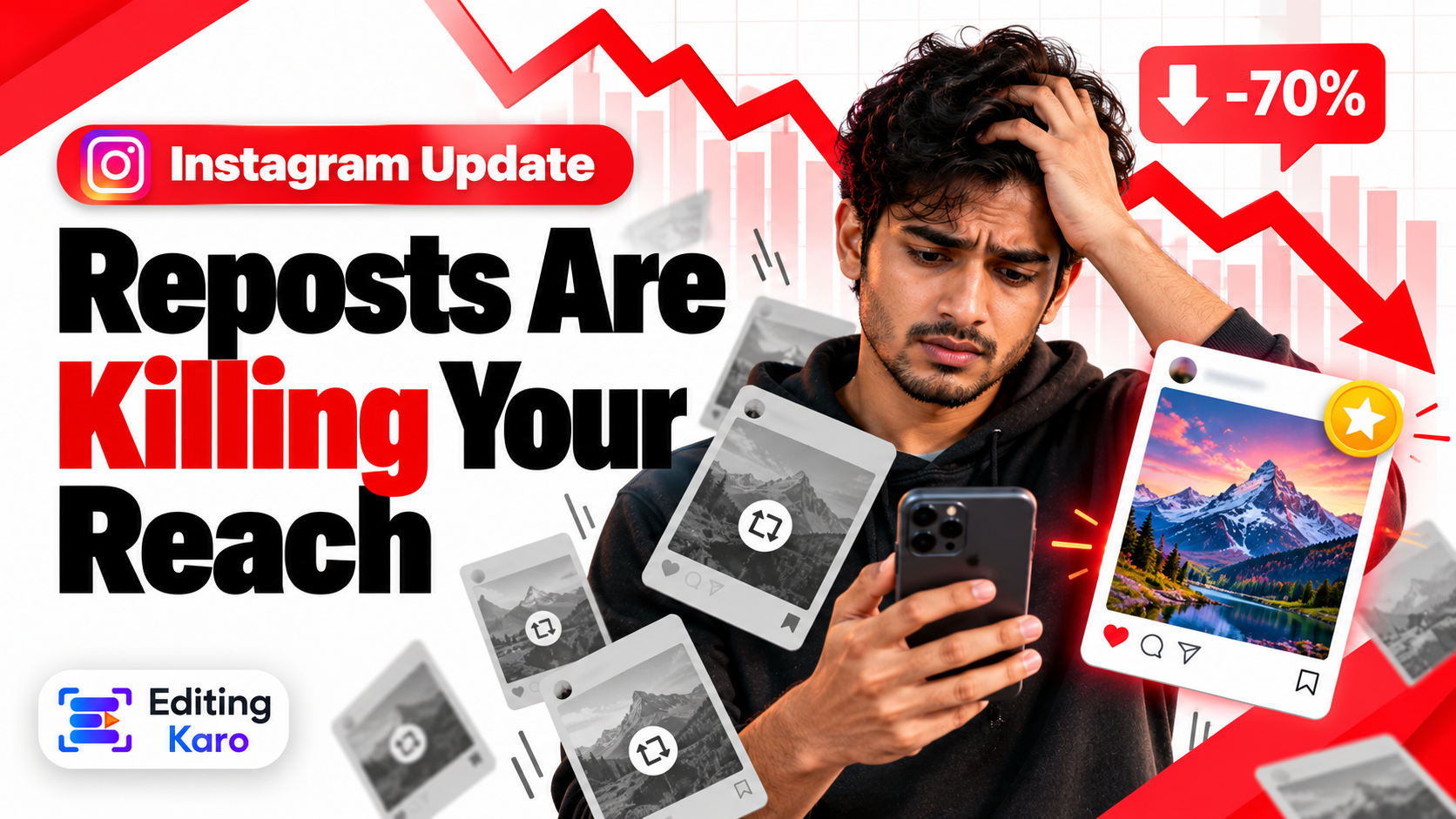
That road is closing. Instagram has spent the last couple of years shifting recommendations towards the person who made the thing, and in 2026 it went further by pulling back recommendations from accounts that mainly aggregate other people's work (TechCrunch).
If you actually make your posts, this is the best news you've had in a while. This guide explains what changed in plain terms and how to make the most of it.
What Instagram is doing
In broad strokes — and Instagram tweaks the details often — there are three moves:
- 1Reposts get replaced by the original. When Instagram finds two copies of the same content, it tries to recommend the original creator's version instead of the copy.
- 2Aggregator accounts are left out of recommendations. Accounts that repeatedly post content they didn't make or meaningfully change can lose access to Explore, Reels recommendations and suggested posts.
- 3Small original creators get a fairer start. New posts are shown to a small test audience regardless of follower count, and grow from there if people respond.
The important word in all of this is recommendations. Your followers can still see a repost. What you lose is strangers — and strangers are how an account grows.
What counts as original
Instagram's line is roughly: you created it, or you changed it enough that it's a new piece. Here's how that plays out.
| What you post | Treated as |
|---|
| A Reel you filmed and edited | Original |
| A carousel you designed and wrote | Original |
| Your own video, first posted on another app, uploaded clean | Original |
| A trend done with your own footage | Original |
| A reaction or breakdown where your commentary is the main event | Original (materially edited) |
| A stitched compilation with your voiceover tying it into a new story | Usually original |
| Someone's Reel with your logo or a border added | Repost |
| A downloaded clip with a new caption | Repost |
| A screenshot of someone's tweet, nothing added | Repost |
| The same video you already posted last month, re-uploaded |
A useful test we use: if you removed the borrowed material, would anything be left? If your voice, your edit and your point would still stand, you've made something. If nothing would be left, you've copied something.
The quiet giveaways
Most accounts caught by this aren't trying to steal. They're just reusing files carelessly. Watch for:
- Other apps' watermarks. A logo bouncing around the corner tells Instagram the video came from elsewhere. Always keep and upload the clean export.
- Screen recordings of other videos, with status bars and all.
- Low-quality re-uploads — content that has been downloaded and re-compressed several times.
- Posting the same clip repeatedly hoping one takes off.
How to use trends without copying
"Original" doesn't mean you must invent a new format every day. Trends are a shared language. The trick is to borrow the structure and supply your own substance.
- Take the audio, shoot your own visuals. A bakery doing a trending sound with their own dough and oven is original.
- Take the format, change the subject. "Things I wish I knew before…" works for a CA, a tailor and a gym trainer alike.
- Take the template, fill it with your knowledge. A carousel layout is just a container.
- Use Remix or collab features when you do want to build on someone's post. They credit the source properly, which is what the system wants.
Five ways to make original content faster
The honest objection we hear from small business owners is: "Reposting took two minutes. Making things takes hours." It doesn't have to.
The most original thing you own is what you already do all day: packing an order, mixing a colour, fixing a zip, answering a customer's question. Prop the phone up and record ten minutes. That's three Reels.
2. Build one template and reuse it
Originality is about content, not layout. Design one carousel template and one quote template in your brand colours and fonts, then change only the words and photos each time. In Pixel Studio we duplicate the last post and edit it rather than starting from blank. (If you haven't settled your colours yet, start with our brand palette guide.)
3. Answer real questions
Every question a customer asks in DMs or at the counter is a post. Write down five this week. Nobody else has your answers.
4. Turn one idea into several posts
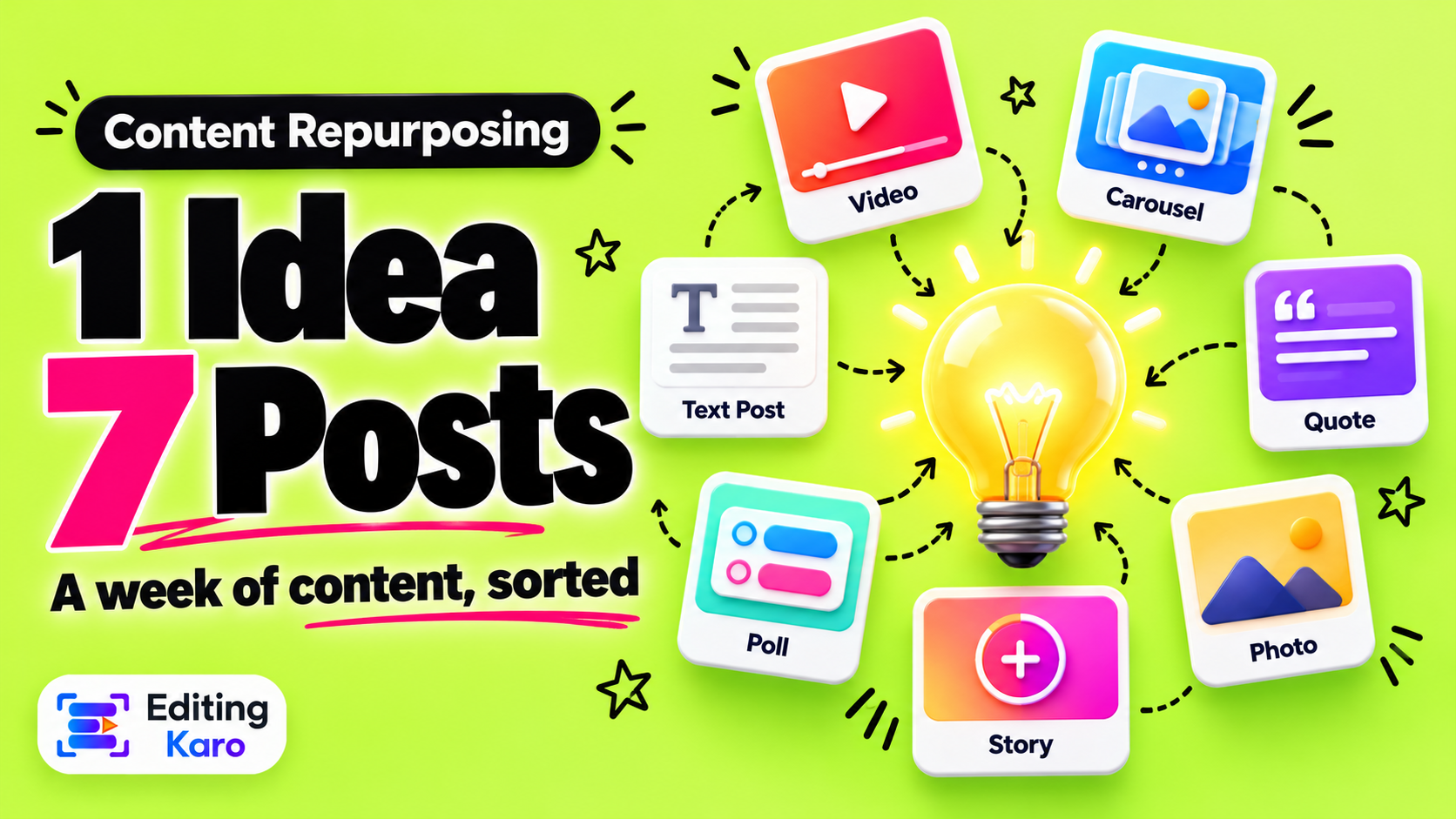
A 40-second Reel can also be a carousel, a Story poll and a caption-led photo post. We've written a whole guide on repurposing one idea into a week of content.
5. Add your opinion
If you must share someone else's news or clip, make your take the main thing. Speak to camera for twenty seconds about why it matters to your customers, with the source credited. That's commentary, not a repost.
If someone reposts your work
The same system that limits reposts is meant to send recommendations back to you. A few habits help:
- Post on Instagram first, or at least at the same time as elsewhere.
- Keep your project files and raw footage. They're your proof if you ever need to report a copy.
- Put a small, consistent handle inside the frame — not as protection, but so that viewers of a stolen copy can find you.
- Use Instagram's report option for intellectual property when a copy is outperforming you.
A quick self-check
Scroll your last twelve posts and count:
- How many did you film, design or write yourself?
- How many carry another app's watermark?
- How many are someone else's content with a caption added?
If more than a few fall in the last two rows, that's the likely reason your reach beyond followers has dipped. The fix isn't a hack. It's making the next twelve yourself.
The bigger picture
We find this change encouraging. For a long time the system rewarded whoever reposted fastest. Now it's leaning towards whoever made the thing. A tailor in Jaipur with a phone and something real to show has a better shot at being recommended than a page with a million followers and nothing of its own.
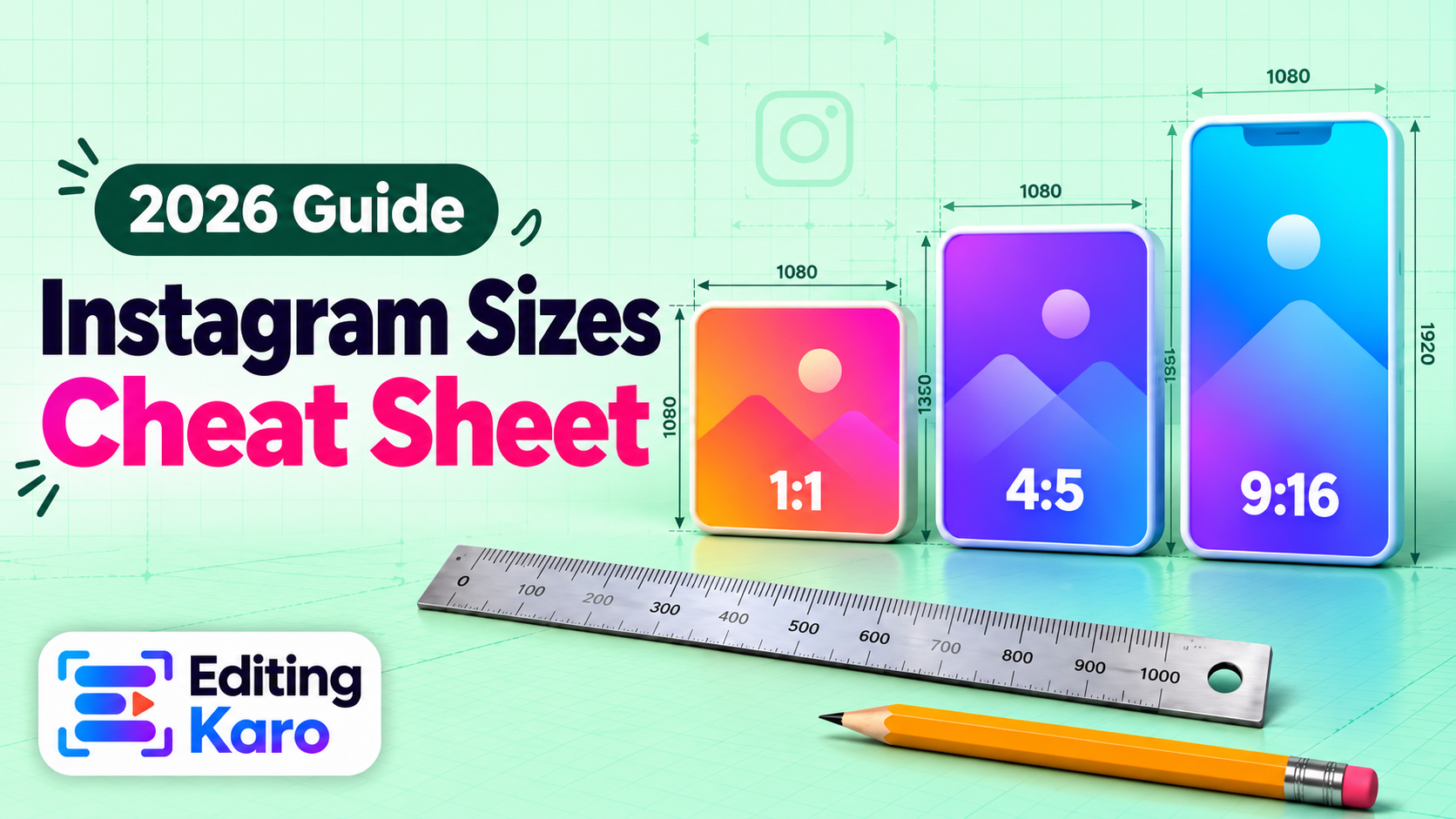
Make your posts in Pixel Studio, cut your Reels in Motion Studio, and check your sizes with the free social media image sizes reference before you export.