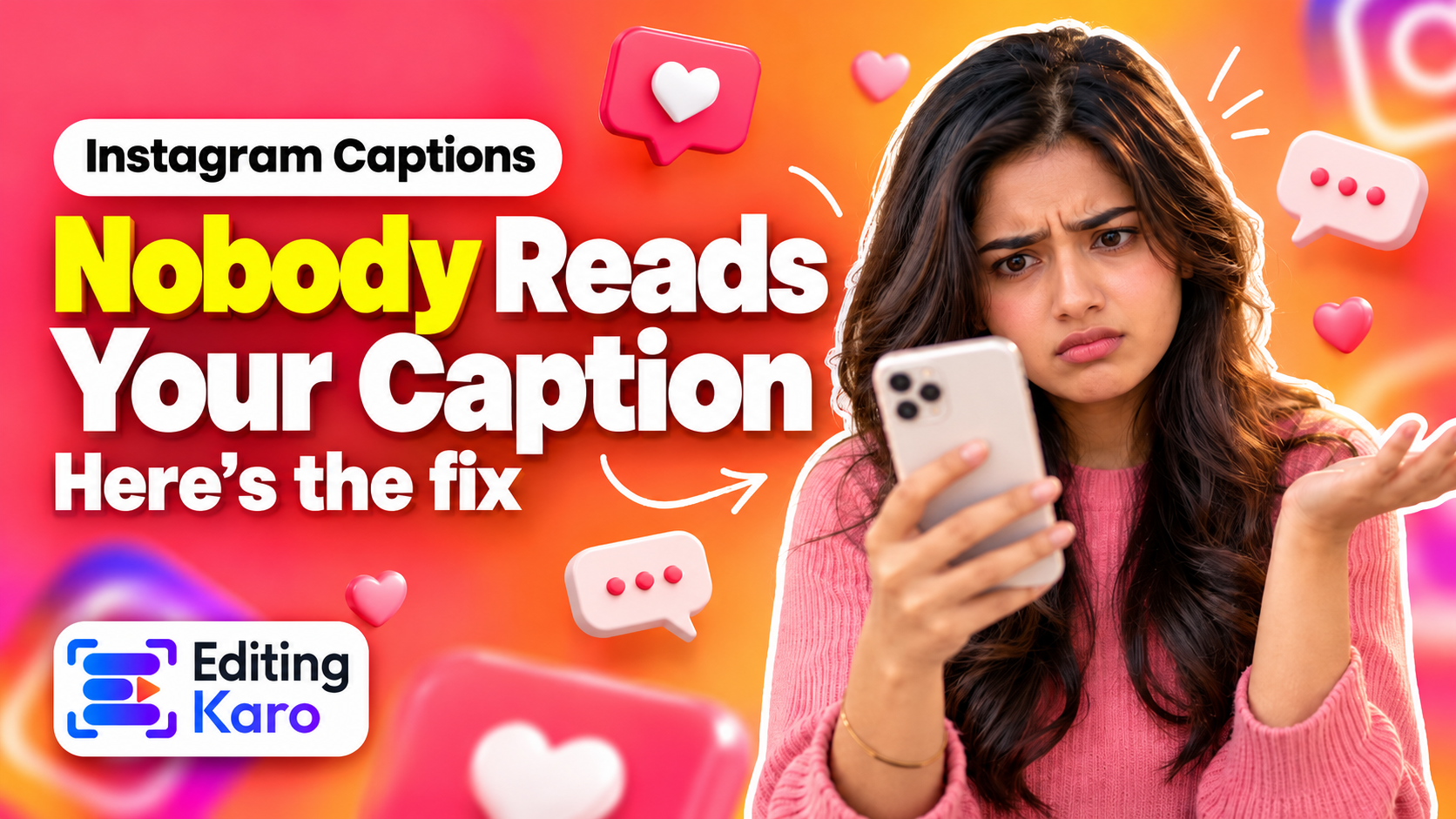
How to Write Instagram Captions People Read (With Examples)
How to Write Instagram Captions People Actually Read
Instagram shows about 125 characters before “…more”. Here's how to write a first line that earns the tap, structure the rest, and use hashtags without looking like spam.
A caption is the one part of an Instagram post that works like writing: it has a headline, a body and an ending. And like most writing online, most people only read the headline.
Open all four studios free — no card, nothing to install.
On Instagram, that headline is whatever fits before "…more" — roughly 125 characters on a phone. Everything after that is only seen by people who were already interested enough to tap. So a good caption isn't a long caption or a short one; it's one where the first line earns the tap, and the rest rewards it.
Know the limits
Thing
Limit
Caption length
2,200 characters
Visible before "…more"
About 125 characters
Hashtags
Up to 30
Mentions
Up to 20
You can paste any draft into our caption character counter to see exactly where Instagram (and LinkedIn, X and YouTube) will cut it.
Write the hook last
Most people write captions top to bottom and end up with a first line like "Hey everyone! So excited to share this with you…". That's 45 characters spent saying nothing.
Instead, write the body first. Once you know what the post actually says, pick the single most useful, surprising or specific point and move it to the top. Some patterns that work:
The result first: "This reel took 20 minutes to edit — here's the whole process."
A specific number: "3 lighting mistakes that make food photos look flat."
A question people are already asking: "Why do your photos look blurry after posting?"
A mild contradiction: "Posting every day made our account grow slower."
Straight to the benefit: "Save this before your next product shoot."
Notice that none of them are clever wordplay. Clear beats clever in a feed full of noise.
Tip: Don't break your first line with a line break or emoji-only line. Anything that pushes text down eats into the 125 characters people see.
Give the body a simple shape
Once someone taps "…more", make it easy for them to keep going:
1One idea per paragraph, one or two lines each. Big blocks of text get skipped on a phone.
2Use line breaks and simple bullets (a dash or an emoji used as a bullet) for lists.
3Be specific. "Use natural light" is forgettable; "shoot next to a window at 10 am, with the light coming from the side" is useful — and saveable.
4Sound like a person. Write the way you'd explain it to a friend. Contractions, short sentences, the occasional aside.
For a teaching post, a structure that almost always works is: hook → why it matters → the steps → one common mistake → call to action.
End with one call to action
A caption that ends with "Like, comment, share and follow for more!" asks for four things and usually gets none. Pick one action that matches the post:
A tips post: "Save this for your next shoot."
A question or opinion: "Which one would you pick — A or B?"
A product post: "Link in bio to order — delivery across India in 3–5 days."
A story: "Have you had this happen too?"
Questions that are easy to answer get more comments than open-ended ones. "A or B?" beats "What do you think?"
Hashtags: fewer and more specific
Hashtags still help people discover posts, but a block of 30 generic tags (#love #instagood #photooftheday) does little except make the caption look spammy.
A better approach:
Use three to five hashtags.
Make them specific: #delhifoodblogger beats #food; #minimalistlogo beats #design.
Mix one or two broader tags with a few niche ones.
Put them at the end of the caption, where they don't interrupt reading.
Write for search, not just the feed
Instagram's search reads caption text, not only hashtags. That means a caption that clearly describes the post — "an easy 15-minute paneer tikka recipe in an air fryer" — can be found by people searching for exactly that, months after you posted.
You don't need to stuff keywords. Just say plainly what the post is about, in the words your audience would type.
A caption template you can reuse
Here's a simple structure for a tips post:
Line 1 (hook): the single most useful point, in under 125 characters.
Lines 2–3: why it matters, in one or two short sentences.
Steps or list: three to five points, one line each.
Mistake to avoid: one line.
Call to action: one clear ask.
Hashtags: three to five specific ones.
Before you post
Does the first 125 characters make sense on its own — and make someone want more?
Is every paragraph two lines or less?
Is there exactly one call to action?
Are the hashtags specific and at the end?
Does the caption describe the post in words people would search for?
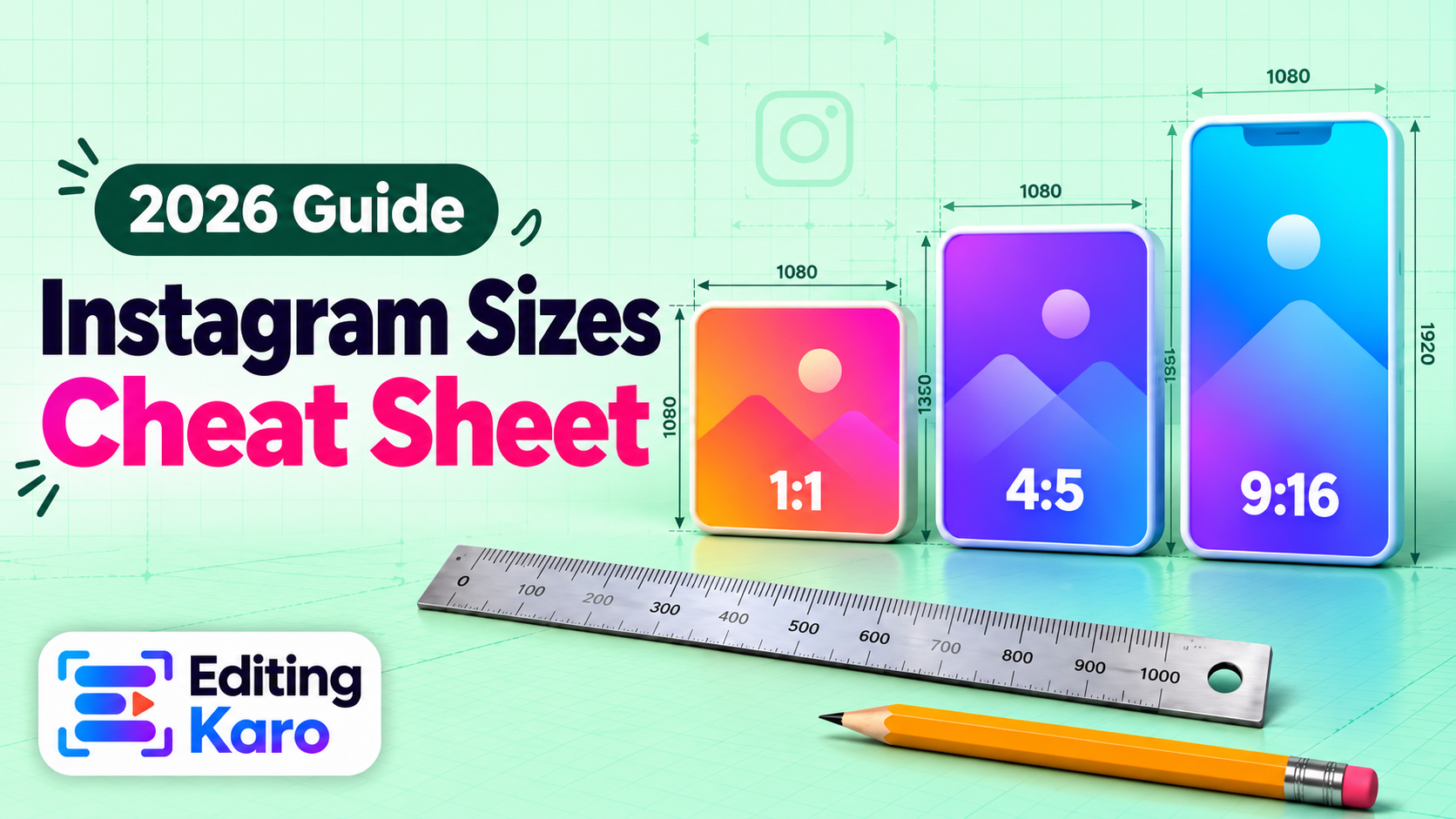
Stuck on a first line? Content Studio can draft several hooks and a full caption from a one-line brief, sized for Instagram, LinkedIn or X — then you edit it until it sounds like you. And pair a strong caption with a post that's the right size for the feed.
Frequently asked questions
How long should an Instagram caption be?
As long as it needs to be, up to the 2,200-character limit. Short captions suit strong images; longer, useful captions (tips, stories, step-by-steps) often get more saves. What matters most is the first line.
How many characters show before “…more”?
About 125 characters on most phones, and fewer if your first line is broken by a line break. Treat the first 125 characters as the headline.
How many hashtags should I use?
Instagram allows 30, but three to five specific, relevant hashtags usually work better than a long generic block. Put them at the end of the caption.
Do keywords in captions matter?
Yes. Instagram search uses caption text, so describing your post in the words people search for — “easy paneer recipe”, “Delhi wedding photographer” — helps it get found.
Should I use emojis?
A few, where they add meaning or help scanning (like bullets). Avoid replacing words with emojis — it hurts readability and search.
EK
About the author
Editing Karo Team
Designers, video editors and writers behind Editing Karo
We're the people who build Editing Karo's four studios — designers, video editors, writers and engineers based in Delhi. We spend our days making social posts, thumbnails, reels and captions, and watching what helps creators and small businesses get them out faster. Every guide here is written from that work: tested in our own tools, checked against each platform's current rules, and updated when those rules change.