For many small brands in India, the weeks around Diwali are the biggest sales period of the year. They're also the noisiest: every brand, big and small, is posting diyas, discounts and greetings at the same time.
You don't beat that noise by posting more. You beat it by starting earlier, being clearer than everyone else, and not burning out in the week you should be packing orders.
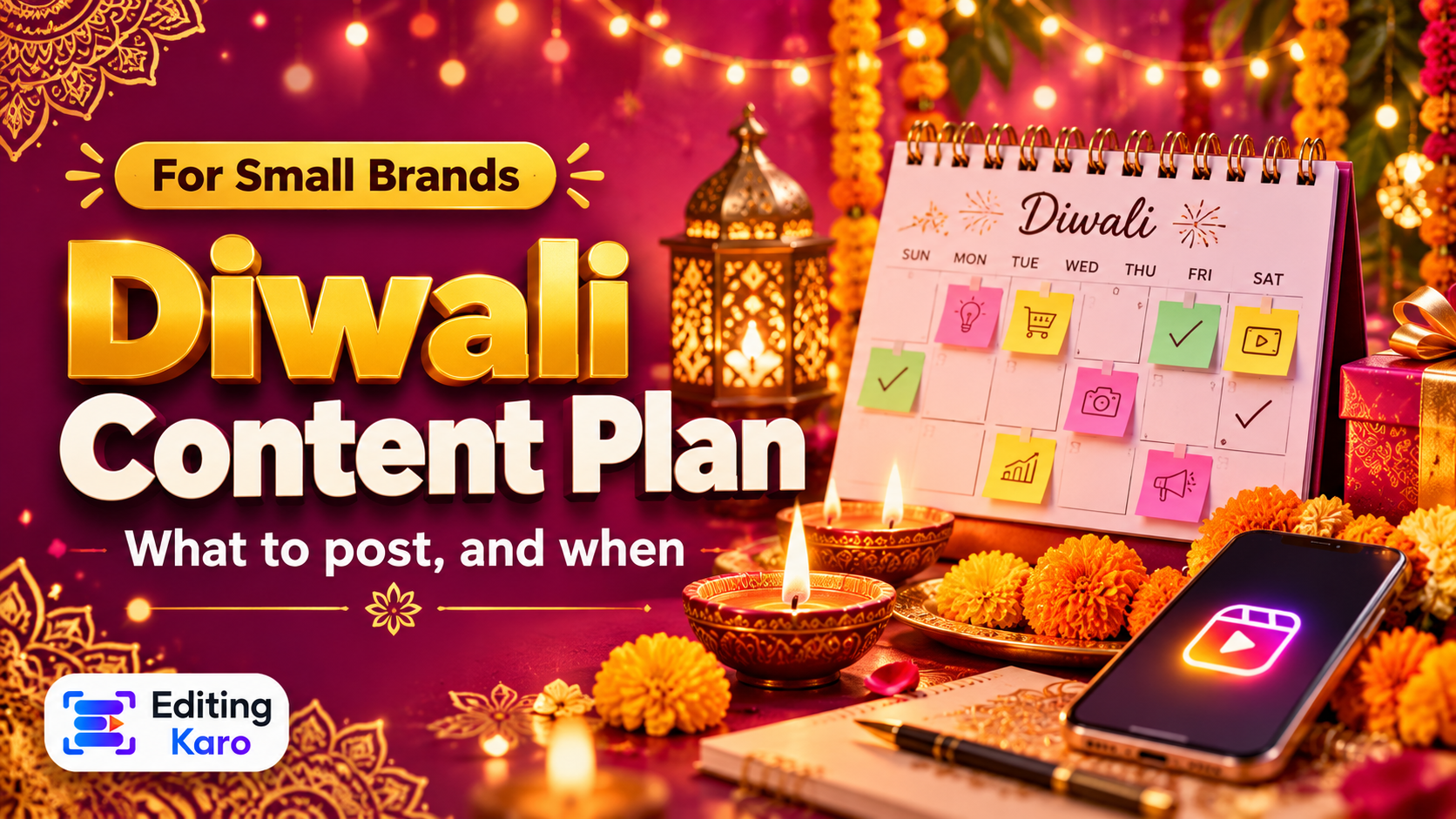
This is a simple four-week plan that works for shops, home businesses, D2C brands and creators. Adjust the dates to this year's Diwali.
Before you start: plan it all in one sitting
Block two hours, a month before Diwali, and decide:
- 1What you're offering — products, bundles, gift boxes, a discount, free delivery.
- 2Your cut-off dates — last day for orders to arrive before Diwali, last day of the offer.
- 3Your festive look — one template in your brand colours with a few festive accents.
- 4The posting calendar — every post, with its date, format and one-line idea.
Then produce the content in one or two batches. The worst Diwali content is made at 11 pm during your busiest week.
Week 1 (about four weeks before): warm up
The goal this week is attention, not sales.
- Teaser post: "Something special is coming this Diwali" with a glimpse of a product or packaging.
- Behind the scenes: a reel of you preparing stock, packing, cooking or designing. Real process beats polish.
- Story poll: "Which colour should we make for Diwali — A or B?" It builds anticipation and tells you what people want.
Week 2 (three weeks before): be useful
People are now making gift lists. Help them.
- Gift guide carousel: "Diwali gifts under ₹500 / ₹1000 / ₹2000", with one product per slide.
- "How to" content: styling a gift box, a quick rangoli, setting a festive table — whatever fits your niche.
- Launch the offer: a clear post with the offer, how to buy and the end date.
Tip: Put prices on your products. "DM for price" loses buyers who are comparing options quickly.
Week 3 (two weeks before): the main push
This is when most festive orders are placed.
- Product reels: 10–20 second reels showing the product in use, with captions on screen.
- Customer proof: real reviews or photos from past customers (with their permission).
- Delivery cut-off reminders: "Order by [date] for delivery before Diwali" — as a post and repeated in Stories.
- Bundles: make choosing easy with ready-made combinations.
Week 4 (the final days): urgency and help
- Last-chance post: the offer or delivery deadline, stated plainly.
- Last-minute gift ideas: e-gift cards, in-store pickup, same-day delivery if you offer it.
- Stories every day: countdowns, restocks, packing clips — Stories are perfect for short, frequent updates.
The five festival days: greetings, not ads
From Dhanteras to Bhai Dooj, people are with family and scrolling for wishes. Keep these posts warm and simple:
- A beautiful greeting in your brand style for each key day.
- A short reel or photo of your team or family celebrating.
- No hard selling. A small line like "Our store is open till 2 pm today" is fine.
After Diwali: say thank you
- Thank-you post to your customers and community.
- Share customer photos and reviews that arrive.
- Note what worked — which posts brought messages, saves and orders — for next year.
A simple posting calendar
| When | Post | Format |
|---|
| 4 weeks before | Teaser, behind the scenes, Story poll | Post, Reel, Story |
| 3 weeks before | Gift guide, how-to, offer launch | Carousel, Reel, Post |
| 2 weeks before | Product reels, reviews, delivery cut-off | Reels, Post, Stories |
| Final week | Last chance, last-minute gifts, daily Stories | Post, Stories |
| Festival days | Greetings for each day | Post or Reel |
| After | Thank you, customer photos | Post, Stories |
Designing festive posts that still look like you
The trap at Diwali is dropping your brand look for generic gold-and-maroon templates that look like everyone else's. Instead, add festive touches to your own style:
- Keep your brand fonts and colours; add a festive accent — gold, marigold orange or deep red — as the 10% accent colour (see how to build a palette).
- Use a few festive elements (diyas, rangoli patterns, lights) as decoration, not wallpaper.
- Photograph your real products with diyas and flowers rather than using only stock images.
- Keep offers readable — big price, short text, strong contrast.
In Pixel Studio you can build your festive template once — or start from one of the ready-made templates — swap in your colours and logo, and duplicate it for every post in the calendar. For reels, cut your product clips together in Motion Studio, and let Content Studio draft captions for each post in one go.
Checklist
- Offer, cut-off dates and calendar decided four weeks out.
- One festive template in your brand style.
- Content batch-created in one or two sessions.
- Delivery deadlines repeated clearly.
- Festival days kept for greetings.
- Results noted for next year.
Selling at a counter too? Make sure your UPI QR code is printed, tested and ready before the rush.