How to write LinkedIn posts people actually read
The posts that do well on LinkedIn are usually simple: one person, one story, one lesson, told plainly.
Start with a real moment
The best raw material is something that happened: a mistake, a number, a conversation, a first. Two years ago, six of us shared one table and one slow Wi-Fi router. Give the generator that moment, not just a topic.
Earn the "see more"
Only the first two lines show in the feed. Make them a tension, a surprising number or a clear promise. Save the background for after the click.
Write in short lines
One or two sentences per line, with space between. It looks easy to read, and on LinkedIn that is half the battle.
One idea per post
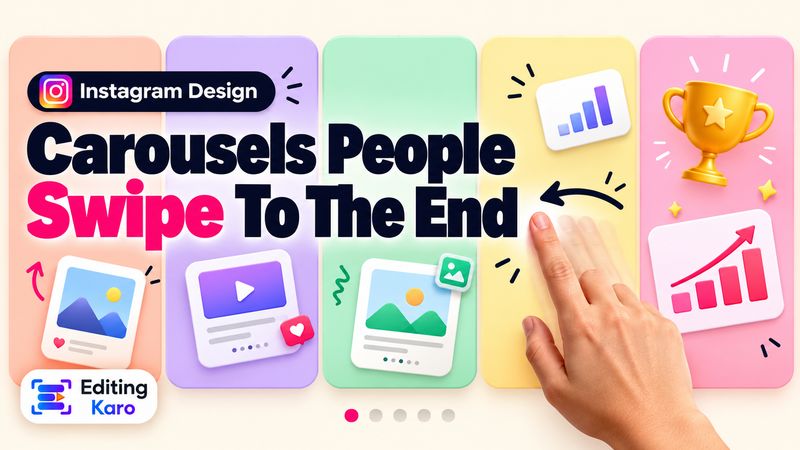
A post that teaches three things teaches none. If you have three lessons, make three posts — or a carousel, one lesson per slide. Design the slides in Pixel Studio using the LinkedIn carousel format.
End with something to respond to
A question, a request for opinions or a simple "what would you add?" invites comments. Avoid begging for likes.
Stay human
AI gives you a strong structure and a first draft. Add the names, numbers and feelings that only you know, and cut any line that sounds like a brochure. People follow people.
Post ideas to try
- What I learned hiring our first 5 people
- The client email that changed how we price
- 3 tools our 6-person team can't work without
- Why we said no to a big client
Formats that work on LinkedIn
| Format | Best for |
|---|---|
| Story post | Lessons, milestones, failures |
| List post | Tools, tips, steps |
| Carousel | Teaching one framework slide by slide |
| Announcement | Launches, hiring, funding, new roles |
| Comment | Joining someone else's conversation with something useful |
Rotate formats so your feed doesn't feel repetitive, and keep a list of moments worth posting about as they happen — it makes writing much easier.
Your profile matters too
People who like a post click your profile next. A clear headline and a first-person About section turn that visit into a follow or a message. Both have their own tools in the LinkedIn channel.
Words and plans
The Free plan includes 5,000 words a month across Content Studio. Paid plans include up to 6,00,000 words a month, unlimited history and a commercial licence for client work. See pricing.