How to make an invitation guests remember to come to
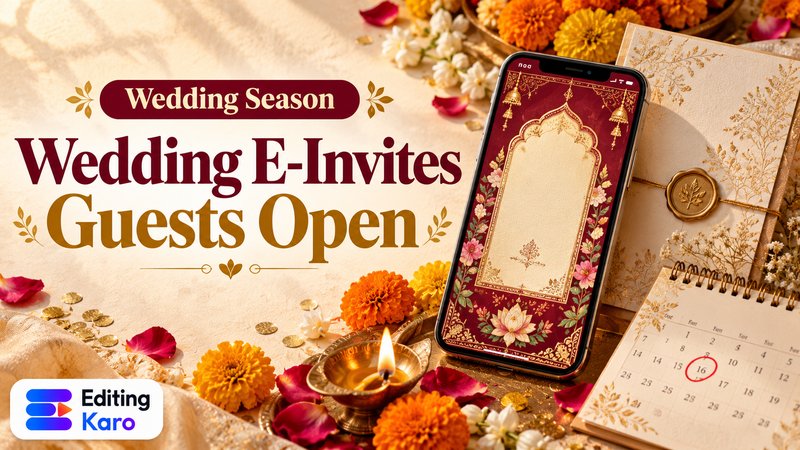
Most invitations in India are now sent on WhatsApp first and printed second. Design for the phone, and the printed card follows easily.
Get the details right first
Before you design, write down exactly: whose event, what occasion, date, day, time, venue with landmark, and who to contact. A beautiful card with the wrong date causes more trouble than a plain one.
Choose the shape for how you'll send it
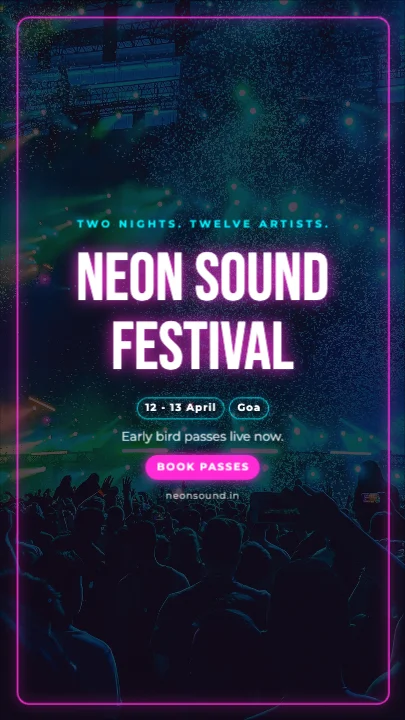
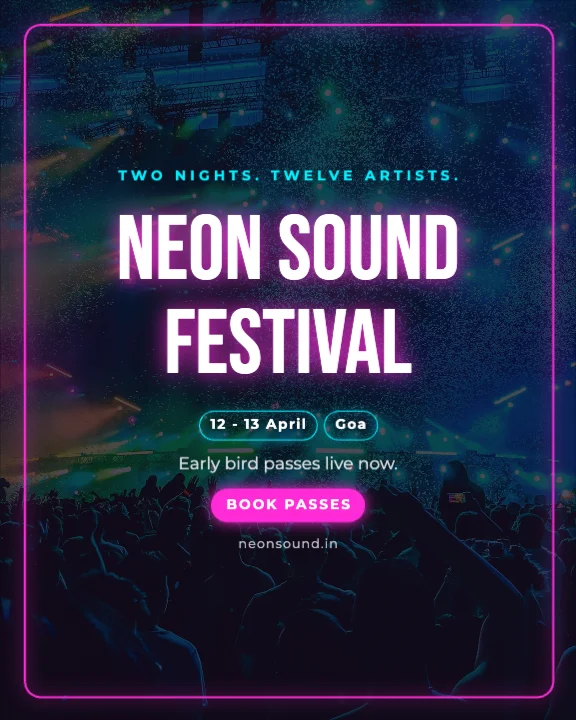
- WhatsApp chat and status: a tall 9:16 (1080 × 1920) or 4:5 (1080 × 1350) invite fills the screen.
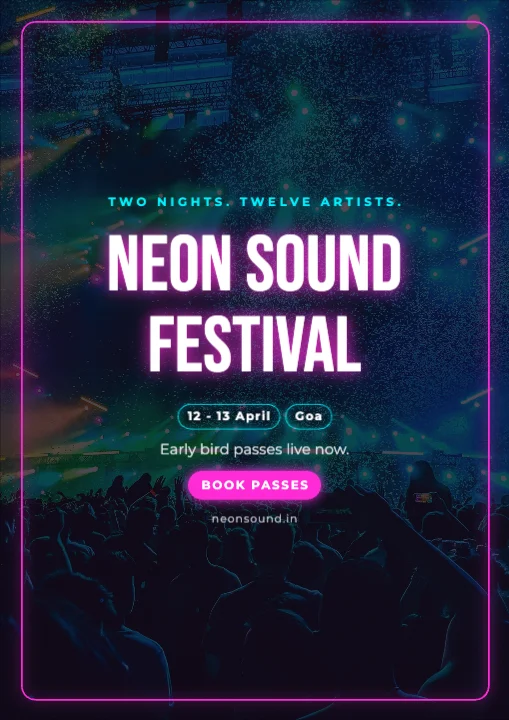
- Printed card: A4 or a folded A5 card from the same design.
Templates on this page come in these shapes. To change shape later, set a new size in Settings and the layout re-fits.
Let the names lead
The names or the occasion are the hero. Use a script or elegant serif font, large, in the centre. Keep date and venue clear and readable in a simpler font — guests will look for them again on the day.
Use colours that suit the occasion
Red, maroon and gold for weddings; marigold yellow and orange for haldi and pujas; bright colours for kids' birthdays; soft pastels for baby showers. Two or three colours look richer than ten.
Add a map QR code
Guests find venues more easily with a link. Make a QR code of the Google Maps location with the free QR code generator and place it near the venue line.
Make a matching set
For weddings, design the main invite first, then duplicate it for each function and change the title, date and colours. Everything looks like one family of cards.
Video invites
Video invites with music are popular for weddings. Our guide to digital wedding invitation cards and videos covers both, and the wedding invitation video maker turns your card into a short video.
What's free
Invitation templates and 10 saved designs are on the Free plan. Free exports go up to 720p with a small watermark, fine for WhatsApp. For print-quality cards without a watermark, paid plans start at ₹499 a month. See pricing.