
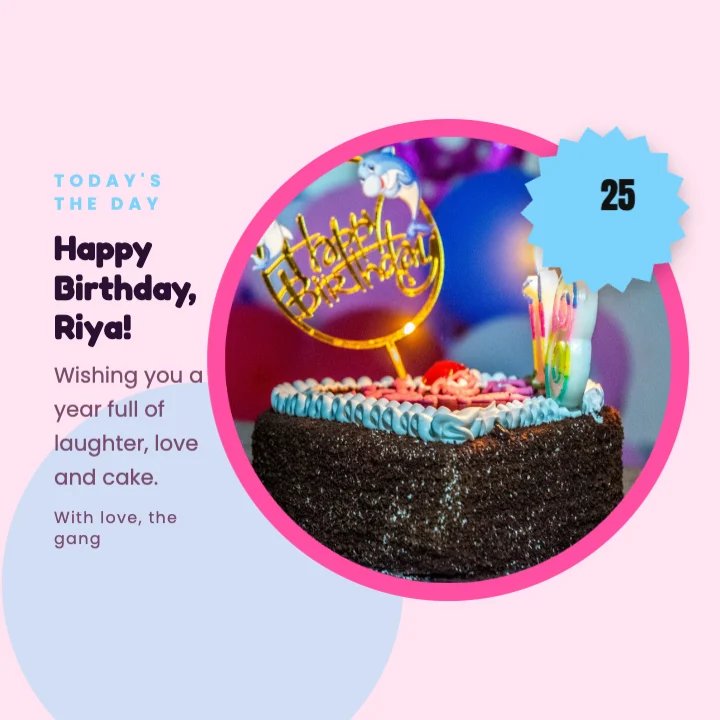
How to make an Instagram post that gets saved and shared
An Instagram post competes with everything else in the feed. These habits make yours easier to notice, read and remember.
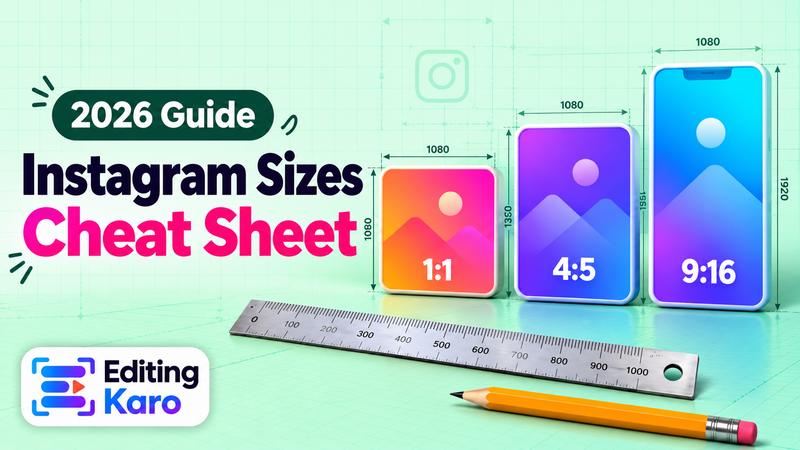
Use the 4:5 size
Instagram shows portrait 4:5 posts (1080 × 1350) taller than square ones, so they hold more of the screen while people scroll. Use square only when the design really needs it. Our Instagram post sizes guide lists every size, including the new profile grid crop.
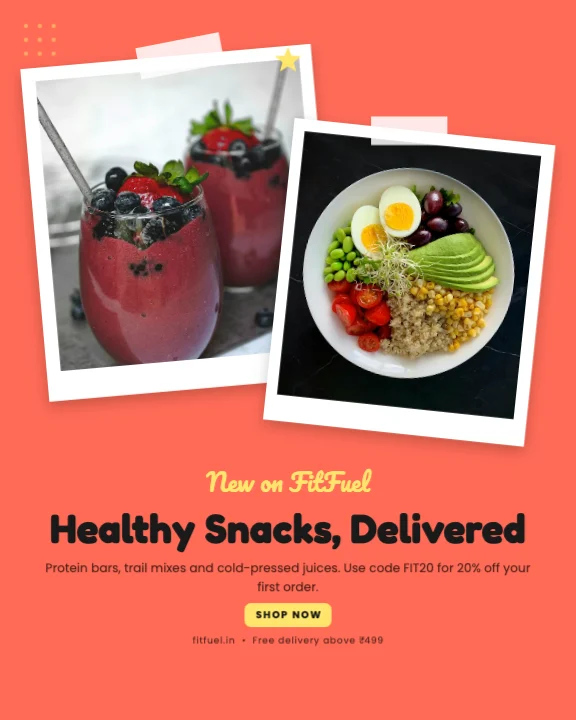
One message per post
Pick the one thing the post must say — the offer, the date, the quote — and make it the biggest text. Put the details in the caption. Posts with one clear message are easier to read and more likely to be saved.
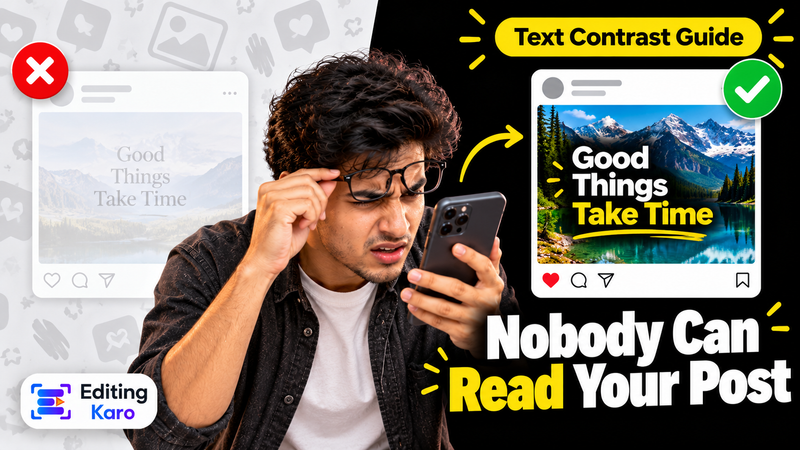
Make text readable at a glance
Use a heavy font for the headline and keep it short. Place text on a plain area of the photo, or on a solid shape. Our guide to readable text on social posts covers contrast and size.
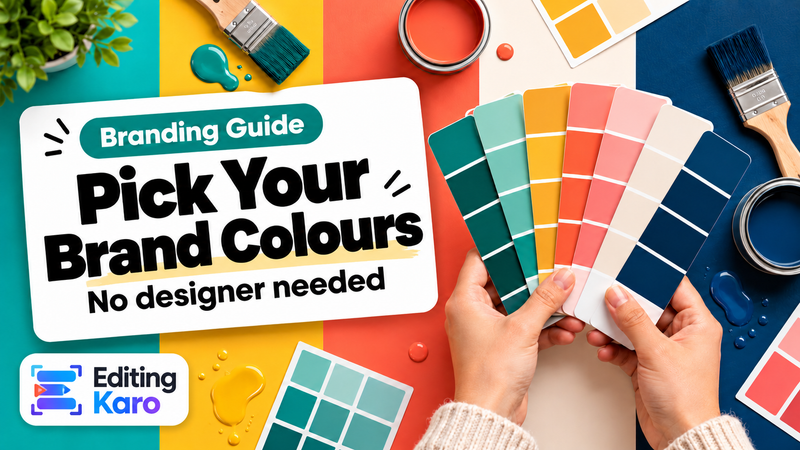
Keep a consistent look
Followers recognise accounts that look the same from post to post. Save your colours, logo and text styles in the brand kit, and start each new post from your last one. Our brand colour palette guide helps you pick colours that work together.
Use real photos, cleaned up
Your own product and team photos build more trust than stock pictures. Remove a messy background, erase a stray object or brighten a dull shot with the AI photo tools, all inside the post you're making.
Turn one post into a set
Make a carousel for a step-by-step or a before/after — see the Instagram carousel maker. Resize the post into a story for the same day, and you have three pieces from one design.
Write the caption too
The image gets the stop; the caption gets the comment. The Instagram caption generator writes captions in English or Hinglish to go with the post.
What's free
The Free plan includes post templates, 10 saved designs and 4 AI photo tool uses a month. Free exports go up to 720p with a small watermark; paid plans from ₹499 a month export without a watermark. See pricing.