EditingKaro
PixelVisionMotionContentPricingFAQFree toolsBlog
homecreateposter-maker
Pixel StudioDesign maker

Poster Maker
print it, post it, pin it.

Make posters online with a free poster maker that opens at A4 size, ready for print or for sharing on WhatsApp and Instagram. Start from a real poster template for a sale, an event, a class or a festival, change every word and photo, and export a PDF for the printer or a JPG for your phone.

How it works
  • Free plan to try it
  • Works in your browser
  • Finish the design in the same tab
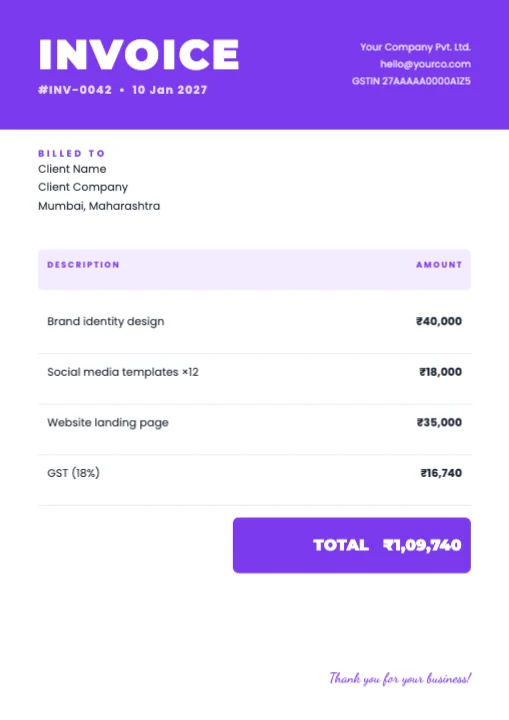
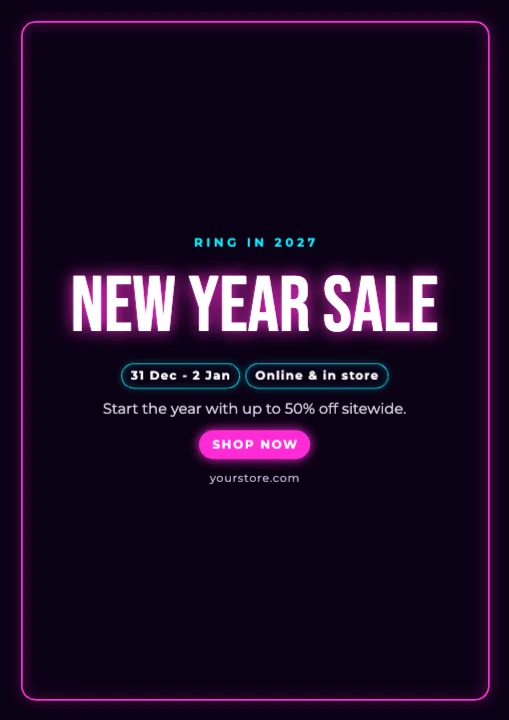
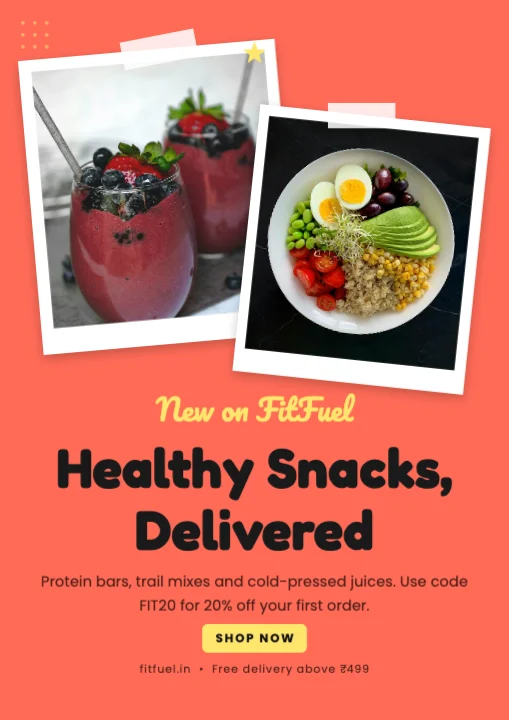
Healthy Snacks Online Store - A4 templateA4 Document · 1,240 × 1,754 px
portrait poster canvas
A4
for the printer, JPG to share
PDF
every word, photo and colour
Editable
AI photo tools while you design
In one tab

// Templates

Poster templates to start from.

Pick one and every word, colour, photo and font stays editable. Or start blank at 1,240 × 1,754 px.

How it works

How to make a poster
in 3 steps.

  1. 01

    Open a poster canvas

    Click Make a poster for a blank A4 canvas, or pick a poster template on this page to start from it.

  2. 02

    Write the headline and details

    Put the main message in the biggest type, then the date, place, price and contact in order of importance. Swap in your own photos.

  3. 03

    Export for print or phone

    Download a PDF for the print shop, or a JPG or PNG to share on WhatsApp, Instagram and Facebook.

What it does

Everything the poster maker does, in one tab.

Poster templates for sales, events and classes

Grand openings, festive sales, workshops, admissions, concerts and hiring posters — built as layers you can change, not flat images.

Print-ready A4 poster with PDF export

The canvas is A4 portrait. Export a PDF to take to the printer, or a high-quality PNG for a digital screen.

Headlines you can read from across the road

Heavy display fonts and font combinations make the main line big and clear, with smaller text for the details.

Photos, graphics and frames

Search photos and backgrounds, add shapes, icons and stickers, or place a photo into a circle or arch frame.

Fix photos without another app

Remove a background, erase an object or enhance a photo with the AI photo tools, right inside the poster.

Resize the poster for social media

Change the canvas size in Settings to make an Instagram post or story version of the same poster.

Made for

Who uses the poster maker, and for what.

  • 01

    Shops and showrooms

    Festive sale, clearance and new-arrival posters for the window and for WhatsApp.

  • 02

    Coaching classes and schools

    Admissions open, batch timings and results posters.

  • 03

    Events and community

    Concerts, workshops, pujas, blood donation camps and society notices.

  • 04

    Restaurants and cafes

    Opening day, weekend specials and live-music night posters.

// Guide

  1. Decide the one line
  2. Order the details
  3. Use one strong photo
  4. Two fonts, high contrast
  5. Print or share
  6. Want AI to draft it?
  7. What's free

How to make a poster that people actually read

A poster has a few seconds — someone walking past, or scrolling a WhatsApp group. These rules keep it clear.

Decide the one line

Every poster has one line that matters most: SALE 50% OFF, Admissions Open, Live Music Saturday. Make it the biggest thing on the page, near the top. Everything else is smaller.

Order the details

After the headline, people look for when, where and how much. Put them in that order, in a smaller but still bold size. Put the phone number or QR code at the bottom, where people expect it. Need a QR code? Make one with the free QR code generator and add it as an image.

Use one strong photo

One big, good photo beats a collage of five small ones. If your photo has a messy background, use background removal and place the subject on a clean colour.

Two fonts, high contrast

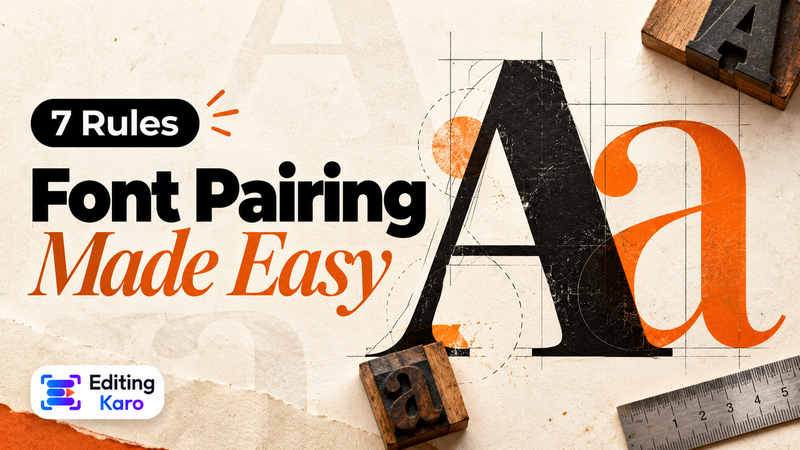
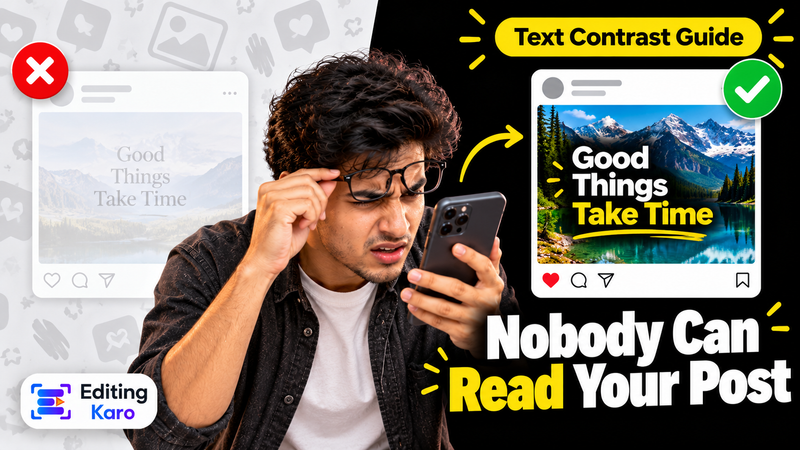
A heavy display font for the headline and a simple font for details is enough. Dark text on light, or light on dark. Our font pairing guide explains why some pairs work.

Print or share

For printing, export a PDF and ask the print shop to print A4 (or scale to A3 — the layout keeps its shape). For WhatsApp groups and Instagram, export a JPG, or resize the poster to a 4:5 post or a 9:16 story so it isn't shrunk to fit.

Want AI to draft it?

On paid plans, Magic AI can design a poster from one line of description, as editable layers. See the AI poster maker. This page is for designing it yourself, from a template or a blank page.

What's free

Poster templates, 10 saved designs and 4 AI photo tool uses a month are on the Free plan. Free exports go up to 720p with a small watermark, which suits phone sharing; for crisp print and no watermark, paid plans from ₹499 a month export up to 4K. See pricing.
Pricing

What's free, what's paid.

The poster maker is part of Pixel Studio. Every account starts on the Free plan; upgrade only when you need more.

Free plan · ₹0

  • 4 AI photo tool uses a month
  • 50 credits a month
  • 10 saved designs
  • Exports up to 720p, with a small watermark

Paid plans

  • Starter plan and up, from ₹499 a month
  • AI photo tools with no monthly cap, paid from your credits
  • Watermark-free exports up to 4K and transparent PNG
  • Magic AI designs and unlimited saved designs
Compare plans

// FAQ

Poster Maker questions.

Something else? Ask us — a person replies.

A4 portrait. You can print it at A4 or scale it to A3; for other sizes, type your own width and height in Settings.

Yes. The Free plan exports up to 720p with a small watermark. For print quality without a watermark, paid plans start at ₹499 a month.

Yes. Download a PDF and take it to any print shop, or print it at home on A4.

Yes. Every part is an editable layer. Templates with a crown need a paid plan.

Yes, with a font that supports Devanagari. Check the text in the preview before exporting.

Yes. Export a JPG for WhatsApp, or resize the design to a story or post shape first.

Here you design the poster yourself. The AI poster maker, on paid plans, drafts one from a description that you then edit.

Yes. Make a QR code with our free QR code generator and add it to the poster as an image.

Yes. Start from a blank A4 canvas, add headings, photos and shapes, and print it or share a PDF with your teacher.

For sharp A4 prints, export at the highest quality your plan allows. Paid plans export up to 4K without a watermark.

// Keep going

Tools you'll use for it

All features
ai design

AI Poster Maker

Describe a poster or post and Magic AI lays it out as real, editable layers — not a flat picture.

Pixel StudioOpen
design tool

Add Text to Photo

Put headlines, captions and prices on any photo, with font pairings that look designed.

Pixel StudioOpen
ai photo tool

Background Remover

Remove the background from any photo in one click, then put the cutout on a new background or design.

Pixel StudioOpen
ai photo tool

Remove Object from Photo

Paint over people, text or clutter in a photo and Magic Eraser removes it and fills the gap.

Pixel StudioOpen

// Keep going

More things to make

Everything you can make
design maker

Flyer Maker

A4 flyers for businesses, offers and events, from real templates, printed as PDF or shared as an image.

Pixel StudioOpen
design maker

Sale Poster Maker

Sale and offer posters for festive discounts and clearances, for social media, WhatsApp and print.

Pixel StudioOpen
design maker

Hiring Poster Maker

"We are hiring" posters and job posts for LinkedIn, Instagram, WhatsApp and print.

Pixel StudioOpen
design maker

Invitation Maker

Invitation cards for weddings, birthdays, pujas and parties, shared on WhatsApp or printed.

Pixel StudioOpen
design maker

YouTube Thumbnail Maker

Thumbnails at 1280 × 720 with real templates, background removal and bold titles that read on a phone.

Pixel StudioOpen
design maker

Instagram Post Maker

4:5 and square Instagram posts from real templates, with brand colours, font pairings and AI photo tools.

Pixel StudioOpen

// Learn more

Guides and tips

Read the Pixel Studio docs
Rows of vintage wooden letterpress type

Design·29 Sept 2026

Font Pairing for Social Media: 7 Rules That Make Designs Look Professional

A designer's desk seen from above with sketches, coloured markers and a phone

Design·7 Oct 2026

Why Nobody Can Read Your Post: Text Contrast and Legibility for Social Media Designs

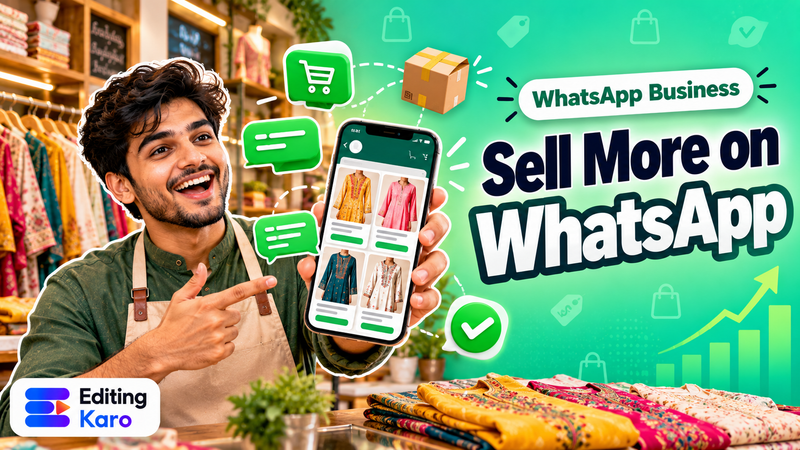
A shopkeeper holding a phone showing a WhatsApp Business catalogue of products, with chat bubbles and order icons around the screen

Small business·30 Oct 2026

WhatsApp Business for Small Shops: Catalogue, Status and Broadcasts That Don't Annoy Customers

Poster Maker, right now.

A4 posters from real templates for sales, events and classes, exported as PDF for print or JPG to share.

EditingKaro

Design, video, AI generation and writing. Four studios in one browser tab.

Product

  • Pixel Studio
  • Motion Studio
  • Vision Studio
  • Content Studio
  • Features
  • Create
  • Free tools
  • Pricing

Company

  • About us
  • Contact us
  • Send feedback
  • Blog
  • Docs
  • FAQ
  • All policies

Legal

  • Privacy Policy
  • Terms of Service
  • Cookie Policy
  • Acceptable Use
  • AI Usage Policy
  • Copyright / DMCA

Billing

  • Refund & Cancellation
  • Subscription & Billing
  • Credits Policy
  • Service Delivery

© 2026 Editing Karo. All rights reserved.

Made withlovein India

326 Patparganj Industrial Area, Delhi - 110092, India