
EditingKaro
PixelVisionMotionContentPricingFAQFree toolsBlog
homecreatefacebook-post-maker
Pixel StudioDesign maker

Facebook Post Maker
for pages, groups and ads.

Make Facebook posts online with a free Facebook post maker for your page, your groups and your ads. Start from a square post template or the Facebook post size, add your offer, event or update, and export an image that looks sharp in the feed on phones and computers.

How it works
  • Free plan to try it
  • Works in your browser
  • Finish the design in the same tab
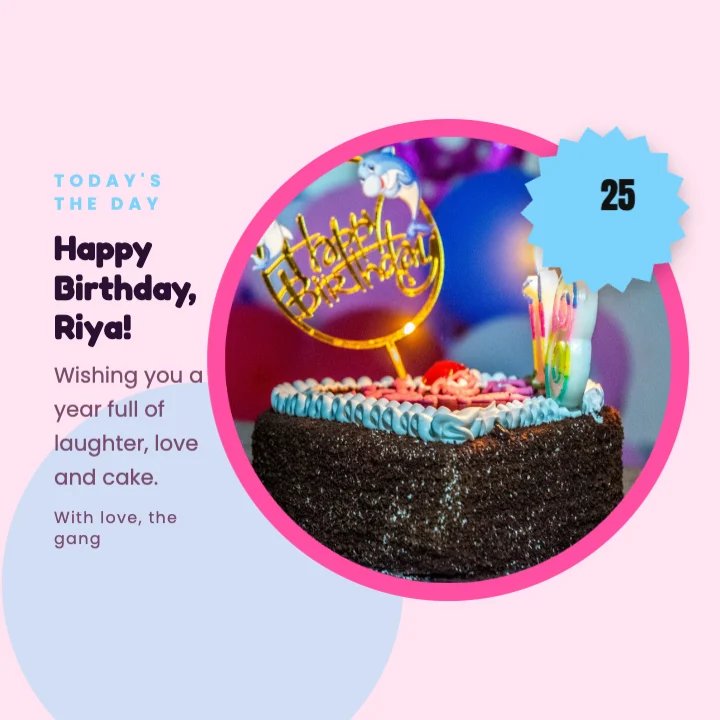
Birthday Wishes Card - Square Post templateFacebook Post · 940 × 788 px
Facebook post size
940 × 788
1080 × 1080 templates
Square
feed sizes for boosted posts
Ad-ready
logo and colours in one click
Brand kit

// Templates

Facebook post templates to start from.

Pick one and every word, colour, photo and font stays editable. Or start blank at 940 × 788 px.

How it works

How to make a Facebook post
in 3 steps.

  1. 01

    Open a Facebook post

    Click Make a Facebook post for a 940 × 788 canvas, or pick a square template on this page.

  2. 02

    Add your message and photo

    Write a short headline, add a photo or product, and your logo and contact details from the brand kit.

  3. 03

    Export and post

    Download a JPG or PNG and post it on your page or group, or upload it as the image for a boosted post.

What it does

Everything the facebook post maker does, in one tab.

Facebook post size, ready to go

Start at 940 × 788, or use square 1080 × 1080 templates that show cleanly in the Facebook and Instagram feed.

Facebook post templates for business

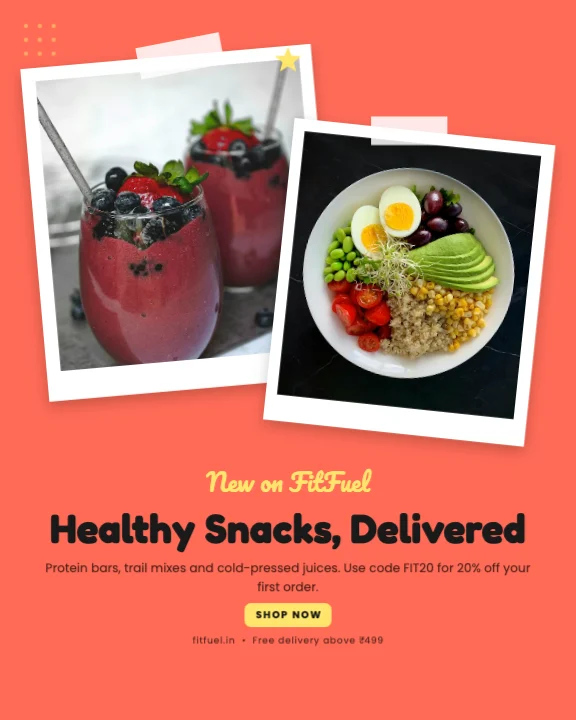
Offers, events, hiring, new arrivals, tips, quotes and festival greetings for your page.

Facebook ad design that's easy to read

Short headlines and clear offers that work for boosted posts and feed ads on a small budget.

Consistent page branding

Save your colours, logo and text styles once and apply them to every post.

Post on Facebook and Instagram from one design

Square posts work on both. Resize to 4:5 or a story in Settings when you want more space.

Better photos in the editor

Remove backgrounds, erase objects or enhance photos with the AI photo tools without leaving the post.

Made for

Who uses the facebook post maker, and for what.

  • 01

    Local businesses

    Offers, timings and new stock for your Facebook page and local groups.

  • 02

    Community groups

    Events, notices and festival greetings for society and alumni groups.

  • 03

    Boosted posts and ads

    Simple, clear creatives for small ad budgets.

  • 04

    Events and classes

    Workshop dates, registrations and reminders.

// Guide

  1. Pick the right size
  2. One message, big and clear
  3. Keep text short on ad images
  4. Real photos build trust
  5. Brand every post
  6. Post to groups too
  7. Reuse across platforms
  8. What's free

How to make Facebook posts that get noticed

Facebook is still where many Indian customers — especially over 30 — follow local businesses, join groups and see ads. A clear image makes your post stand out in a busy feed.

Pick the right size

Facebook shows feed images at many sizes, so square (1080 × 1080) is the safest choice: it shows fully on phones and computers, and the same file works on Instagram. The 940 × 788 Facebook post size is a good fit for landscape-style posts. Taller 4:5 images take up more of the phone screen.

One message, big and clear

Pick the one thing the post must say — the offer, the date, the news — and make it the biggest text. Put details in the post text above the image. Our guide to readable text on social posts covers size and contrast.

Keep text short on ad images

Ads with a short, clear line of text on the image and the details in the ad copy tend to do better. Our guide to ad creatives on a small budget explains what to test. The ad copy generator drafts headlines and primary text.

Real photos build trust

Photos of your shop, team and products work better than stock images. Clean them up with background removal or the AI photo enhancer.

Brand every post

Your logo, colours and a consistent font make your posts recognisable as people scroll. Save them in the brand kit and start each new post from your last one.

Post to groups too

Many local sales start in Facebook groups — society groups, buy-and-sell groups, community pages. Follow each group's rules, and use an image that explains the offer without needing the caption.

Reuse across platforms

Duplicate the post and change the size in Settings to make an Instagram 4:5 post or a 9:16 story. One design, every channel.

What's free

Post templates, the brand kit and 4 AI photo tool uses a month are on the Free plan. Free exports go up to 720p with a small watermark; paid plans from ₹499 a month remove it. See pricing.
Pricing

What's free, what's paid.

The facebook post maker is part of Pixel Studio. Every account starts on the Free plan; upgrade only when you need more.

Free plan · ₹0

  • 4 AI photo tool uses a month
  • 50 credits a month
  • 10 saved designs
  • Exports up to 720p, with a small watermark

Paid plans

  • Starter plan and up, from ₹499 a month
  • AI photo tools with no monthly cap, paid from your credits
  • Watermark-free exports up to 4K and transparent PNG
  • Magic AI designs and unlimited saved designs
Compare plans

// FAQ

Facebook Post Maker questions.

Something else? Ask us — a person replies.

Square 1080 × 1080 is safest and works on Instagram too. The 940 × 788 Facebook post size suits landscape-style posts.

Yes. Free exports go up to 720p with a small watermark. Paid plans from ₹499 a month remove it.

Yes. Use a square or 4:5 design with short text, and upload it when you create the ad or boost a post.

Yes. Square posts work on both; resize to 4:5 or a story in Settings for Instagram if you like.

Yes. Save it in the brand kit and add it in one click.

Yes, with a font that supports the script. Check the preview before downloading.

Not yet. Download the image and upload it on Facebook or in Meta Business Suite.

Yes. Type the cover size in Settings, for example 1640 × 624, and keep important content in the middle.

Design them here, then schedule them in Meta Business Suite, which is free for Facebook and Instagram.

Yes. Pixel Studio runs in the phone browser with a layout made for touch.

No. Keep one short headline on the image and put the details in the post text; busy images get scrolled past.

// Keep going

Tools you'll use for it

All features
ai writing

Ad Copy Generator

Meta and Google ad copy within each platform's limits, using AIDA, PAS and headline variations.

Content StudioOpen
ai photo tool

Background Remover

Remove the background from any photo in one click, then put the cutout on a new background or design.

Pixel StudioOpen
ai photo tool

AI Photo Enhancer

Fix dark, dull or soft photos in one click, and restore old pictures, with AI.

Pixel StudioOpen
design tool

Add Text to Photo

Put headlines, captions and prices on any photo, with font pairings that look designed.

Pixel StudioOpen

// Keep going

More things to make

Everything you can make
design maker

Instagram Post Maker

4:5 and square Instagram posts from real templates, with brand colours, font pairings and AI photo tools.

Pixel StudioOpen
design maker

Sale Poster Maker

Sale and offer posters for festive discounts and clearances, for social media, WhatsApp and print.

Pixel StudioOpen
design maker

Banner Maker

Wide banners for websites, sales and events from real templates, at 1920 × 1080 or any size you type.

Pixel StudioOpen
design maker

Quote Maker

Quote posts and good-morning images with font pairings, backgrounds and your handle on every one.

Pixel StudioOpen
design maker

YouTube Thumbnail Maker

Thumbnails at 1280 × 720 with real templates, background removal and bold titles that read on a phone.

Pixel StudioOpen
design maker

Instagram Story Maker

Full-screen 9:16 story designs from real templates, with safe areas kept clear of Instagram's buttons.

Pixel StudioOpen

// Learn more

Guides and tips

Read the Pixel Studio docs
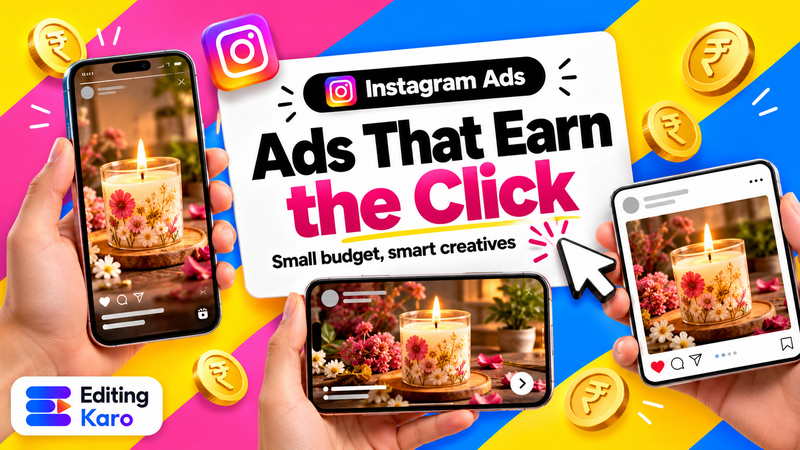
Three versions of the same ad for a small business shown in vertical, portrait and square formats, with a rupee coin and a click cursor

Small business·30 Oct 2026

Instagram and Facebook Ad Creatives on a Small Budget: How to Design Ads That Earn the Click

A designer's desk seen from above with sketches, coloured markers and a phone

Design·7 Oct 2026

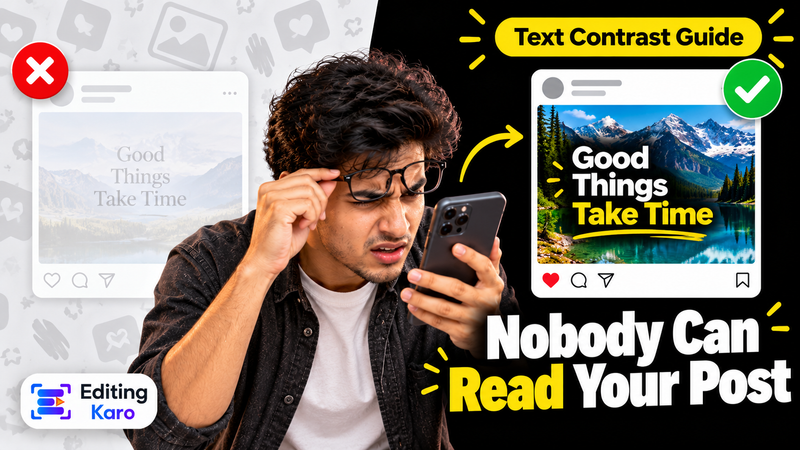
Why Nobody Can Read Your Post: Text Contrast and Legibility for Social Media Designs

Designer's desk with a colour swatch book and colour samples

Branding·29 Sept 2026

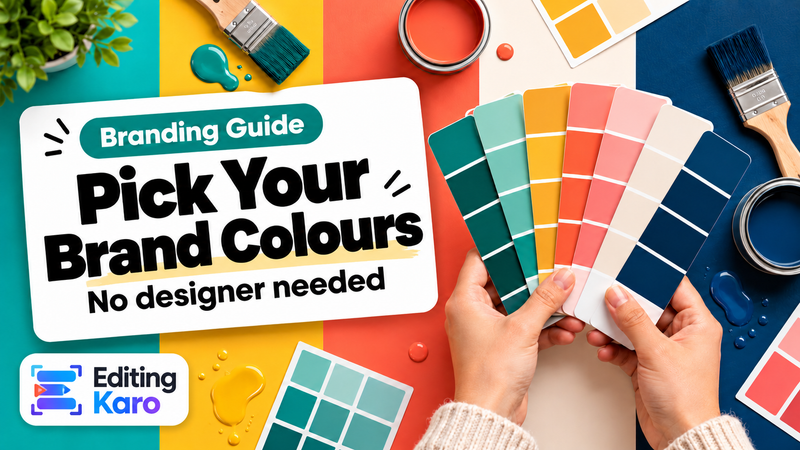
How to Choose a Colour Palette for Your Brand (Without a Designer)

Facebook Post Maker, right now.

Facebook page, group and ad posts from square templates, with your brand on every one.

EditingKaro

Design, video, AI generation and writing. Four studios in one browser tab.

Product

  • Pixel Studio
  • Motion Studio
  • Vision Studio
  • Content Studio
  • Features
  • Create
  • Free tools
  • Pricing

Company

  • About us
  • Contact us
  • Send feedback
  • Blog
  • Docs
  • FAQ
  • All policies

Legal

  • Privacy Policy
  • Terms of Service
  • Cookie Policy
  • Acceptable Use
  • AI Usage Policy
  • Copyright / DMCA

Billing

  • Refund & Cancellation
  • Subscription & Billing
  • Credits Policy
  • Service Delivery

© 2026 Editing Karo. All rights reserved.

Made withlovein India

326 Patparganj Industrial Area, Delhi - 110092, India